

WPML Dynamic Content
Display dynamic content based on the language your page is displayed at.
Step-by-step: How to set up a WPML language condition
- Make sure you have both If-So and the If-so WPML integration installed.
- On your WordPress dashboard, go to “If-So → Add New Trigger”.
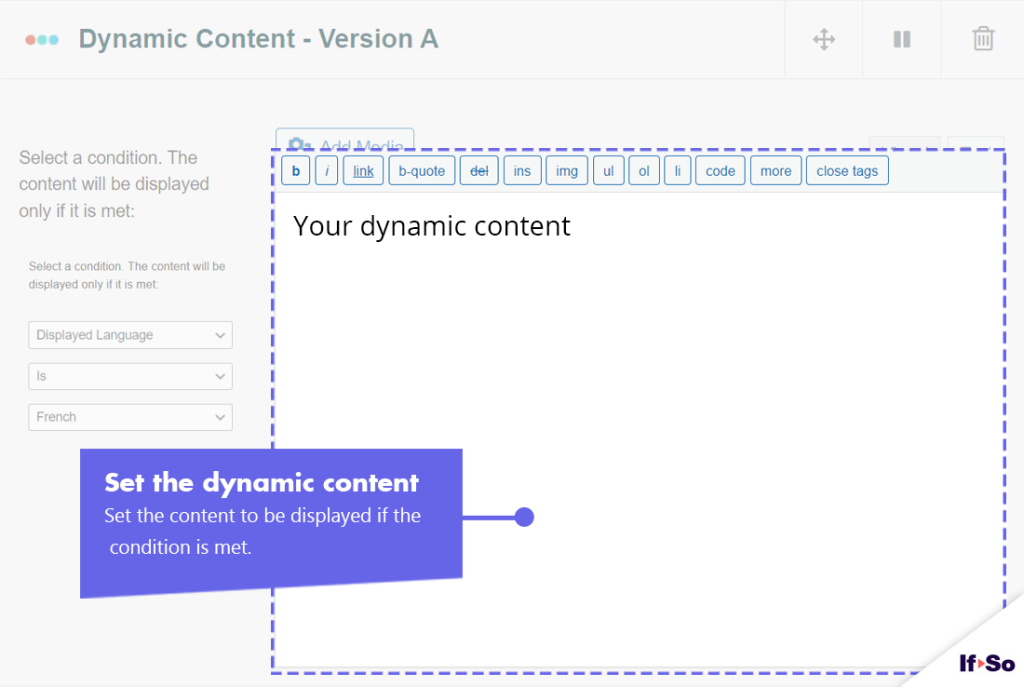
- Set up the dynamic version:
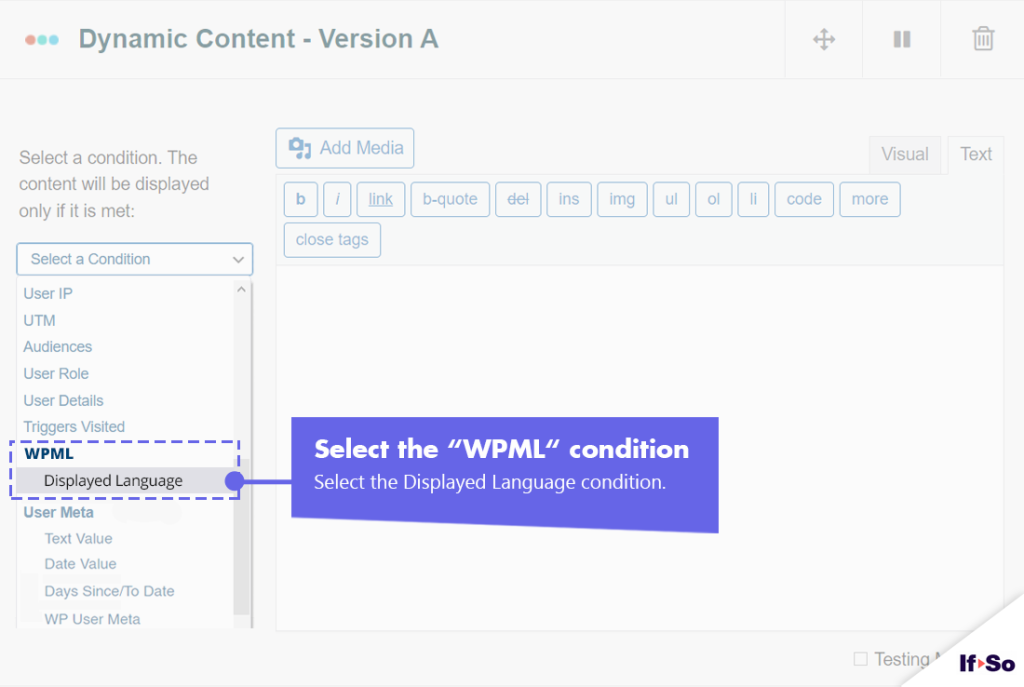
1. Select “WPML – Displayed Language” from the drop-down menu.
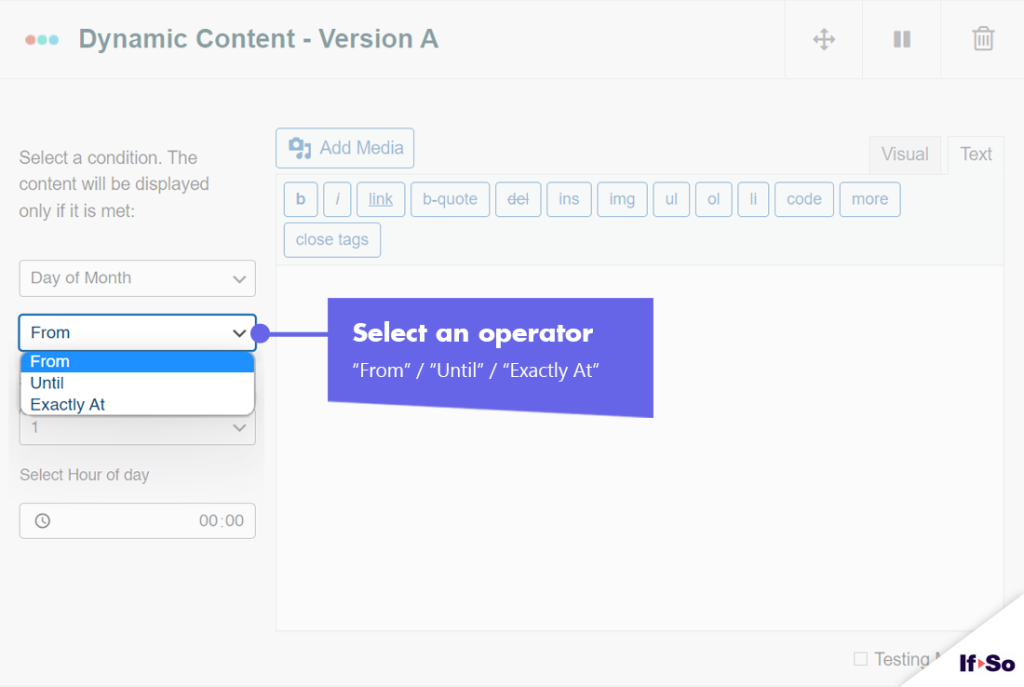
2. Select an operator: “Is” or “Is not”
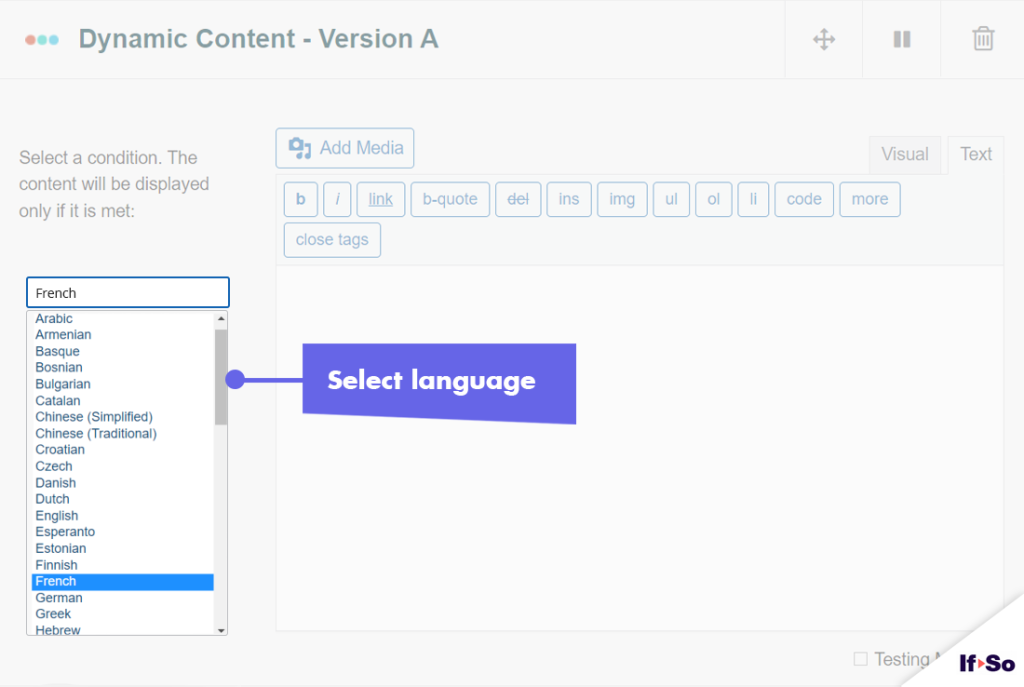
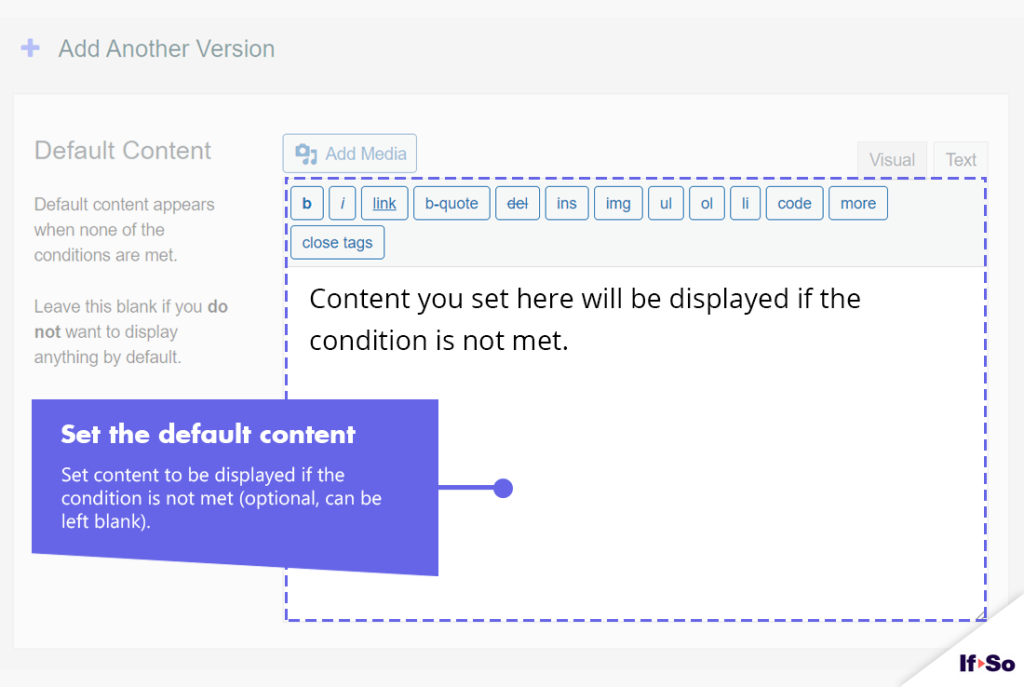
3. Set the content to be displayed if the condition is met. - In the default content field, set content to be displayed if the condition
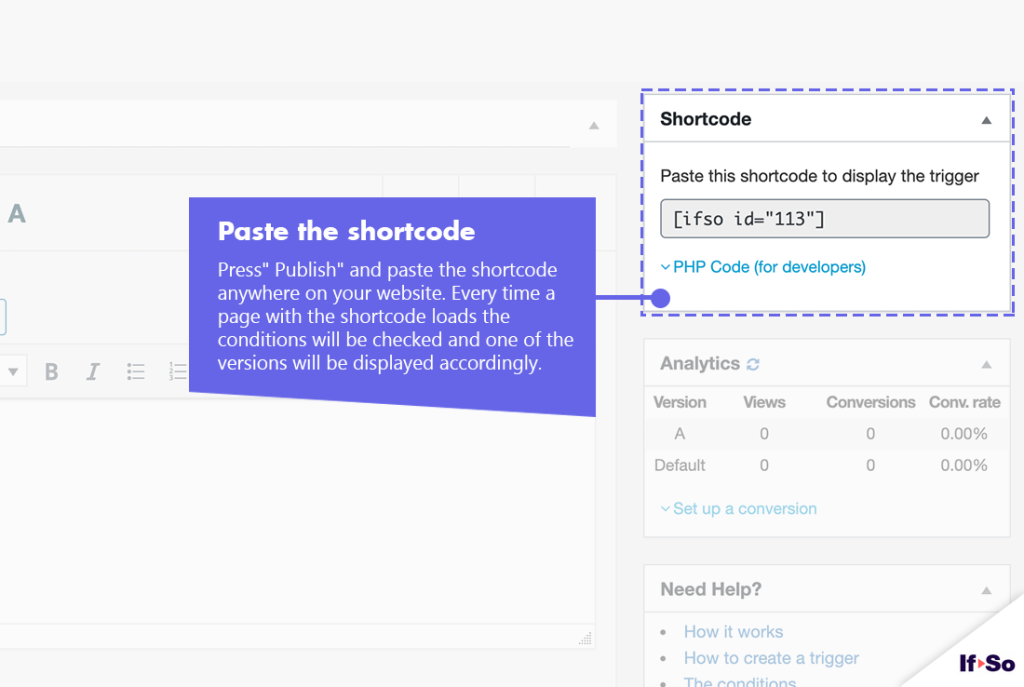
is not met. - Press “Publish”.
- Copy and paste the shortcode wherever you want to display the trigger’s content (on pages, posts, or widgets).
Screenshots
WPML Integration
Free
Requirements: If-So Pro