
Smart plans WordPress Plugin
be easier! No coding required.
Premium IP-to-location Database
Compatible with Page Caching
No setup, no coding required
All-in-one WordPress Geolocation Plugin
Add or replace content based on the user’s country, state, city, continent or time zone

Geo-based Content
Add or replace content based on the user’s location

Geo Redirect
Page-level or site-wide location-based redirects

Geo Pop-up
Show targeted messages on page load or exit intent

Geo-Based Woo Products
Show or hide WooCommerce products and pricing by location

Self-Location Selection
Provide a country selector for manual location selection

Geolocation DKI
Display the user’s country name with a shortcode

Geo Menus
Add or replace menu items by country, state, or city

Geo Block
Restrict access to your site or specific pages by country.

Geo Posts
Manage post category visibility by location
Works on All WordPress Sites
5 different ways to set up geotargeted content

1. Trigger (for all page builders)
Create a sequence of conditions and versions. Apply them to your site using a shortcode.

2. DKI Shortcodes
Automatically insert values into content for personalized messaging
3. CSV Sheet
Create and manage thousands of versions using a simple CSV file
4. Elementor
Load elements and section only if a condition is met
5. Gutenberg
Conditional loading of blocks and groups of blocks

Total Control
Geotarget any element – text, images, calls-to-action, and more.
Geotarget any element – text, images, calls-to-action, and more.
Universal Compatibility. Works with every builder.
Soplay_arrowEffective!
Real-world strategies to boost trust and engagement worldwide
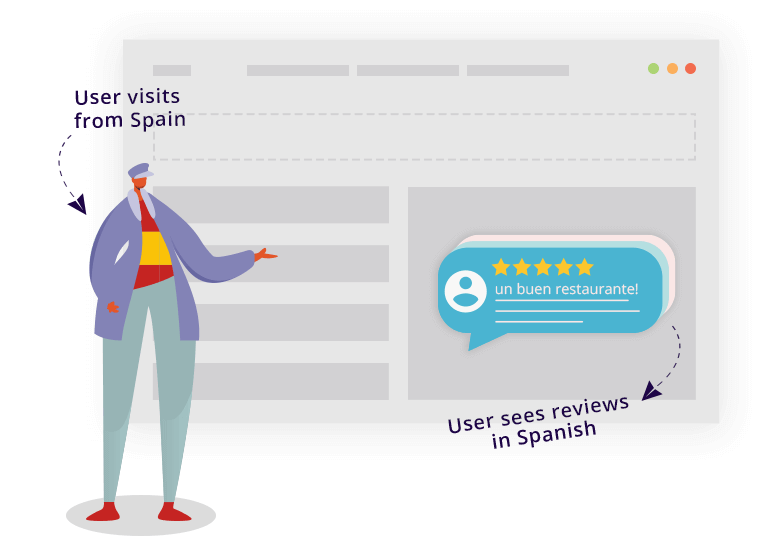
Reach visitors with messages in their native language
Grab the visitors’ attention and dramatically reduce bounce rate using a short message in the visitor’s native language.
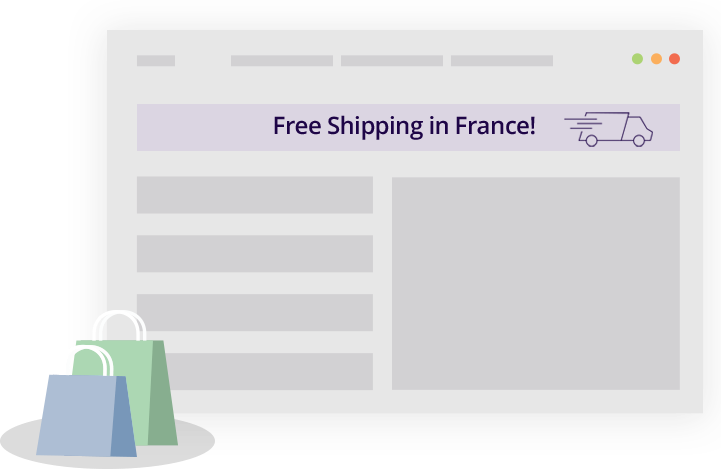
Location-based Promotions
Make a discount or a special offer based on the user’s location.

Direct users to the nearest branch
Direct users to the nearest store or display the phone number of the relevant brunch.
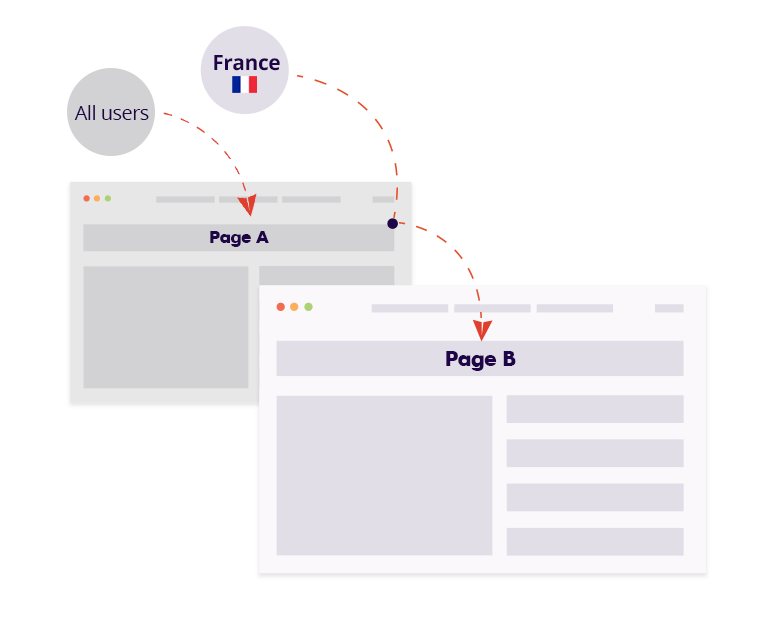
Location-based redirects
Set up a WordPress geolocation redirect to dynamically send traffic to region-specific pages.
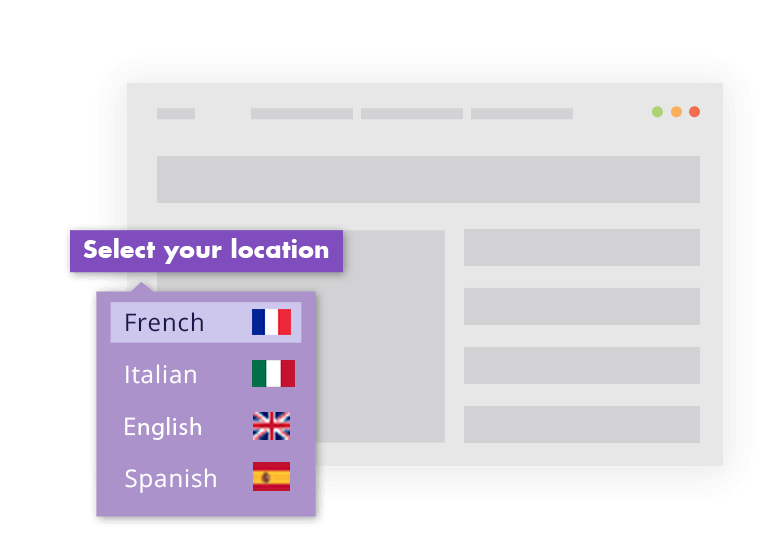
Location override
Allow users to select a location that will override the default IP-based-location detection.

Why choose If play_arrow So
Maximum accuracy – powered by a premium, regularly updated database
Easy to use – create your first geo-based content in minutes
Customize anything – titles, text, images, and even menu items
Works with any page builder
All features included
Increase conversions and engagement with location-based content
Trusted by thousands in



Frequently Asked Questions
Common questions about implementation, compatibility, and features.
Is the geolocation service free?
You can download If-So and start using the geolocation condition completely free. All features are enabled, with up to 250 sessions per month.
The free plan uses the same premium IP-to-location database as our paid plans.
Will I pay for every page view?
Nope! If a user visits more than one page containing a geolocation trigger during the same visit, If-So will only count it as one session. A session will only be counted if a user visits a page with a geolocation-based trigger.
What is a geolocation session?
A geolocation session begins when a visitor first visits a page with a geolocation trigger, and ends when either the visitor closes the browser, or after 25 minutes of inactivity. For example, if a visitor arrives at the homepage, then visits several other pages and leaves, this will only be counted as one session.
Is coding knowledge required?
Definitely not! Simply install the If-So Geolocation WordPress plugin and start creating dynamic content.
Does Ifplay_arrowSo work with every site and page builder?
Yes. You can use If-So on any site, on any field that accepts shortcodes. This includes page builders like Elementor, Gutenberg, Divi, and all others.
How accurate is the location detection?
No IP-to-location service is 100% accurate. The accuracy of a location depends on many factors (Learn more here). In order to provide the best results we use a paid, highly accurate, premium database.
One platform. Different industries. Real results.
Healthcare • Finance • Legal • Education • Real Estate • Technology • eCommerce
