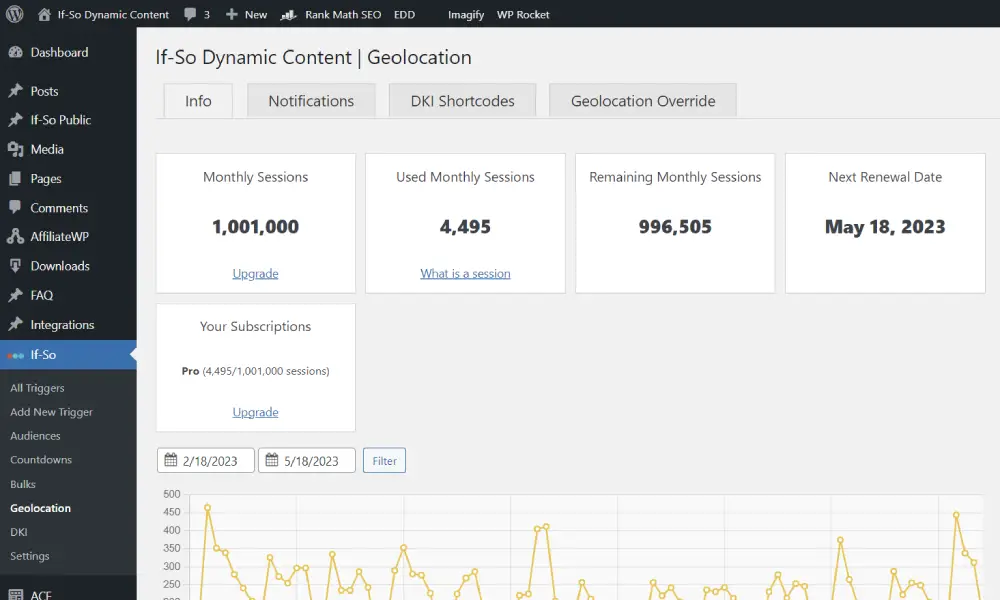
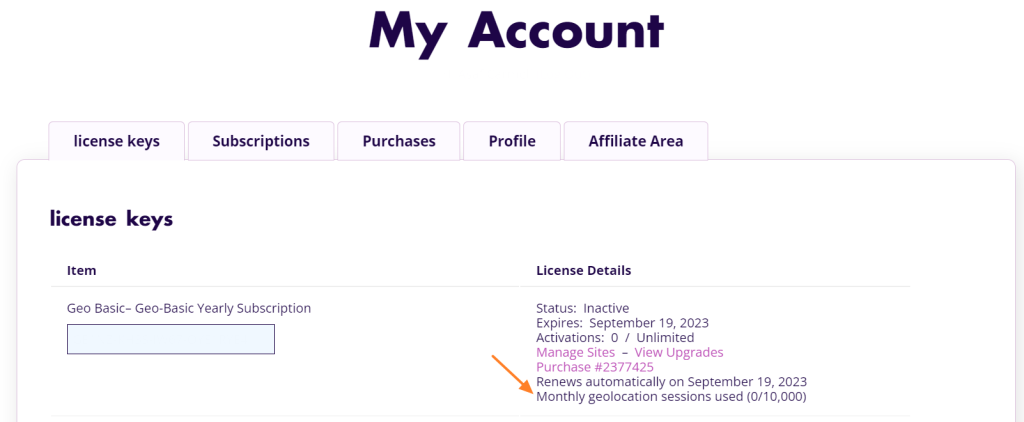
Where can I view my geo session quota and usage?

You can view your monthly geolocation session quota and usage in two places:
- In your WordPress dashboard: go to If-So → Geolocation, where you can see your current usage and quota directly in the admin area.
- In your If-So account: log in to your account, open the License Keys section, and view the details of the relevant license to see usage and limits.