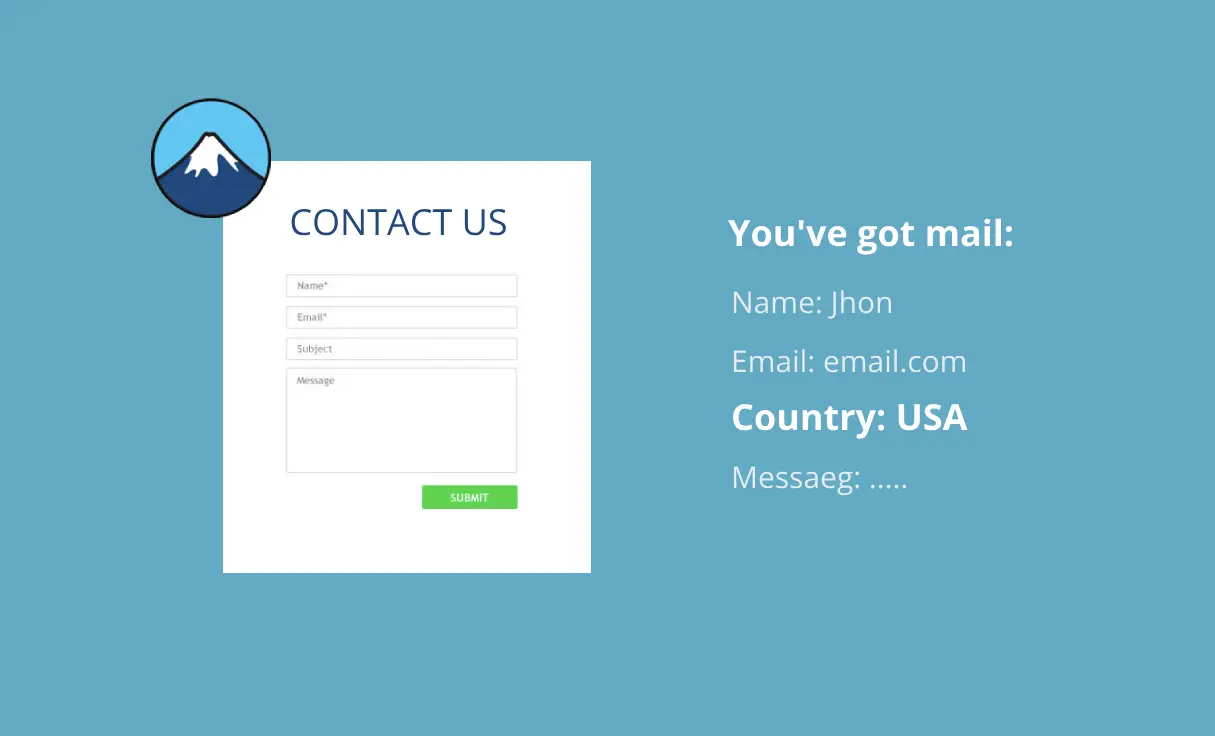
If you wish to incorporate the user’s location on Contact Form 7 forms using If-So’s geolocation service, you can follow these two simple steps:
- Ensure that If-So is installed on your website.
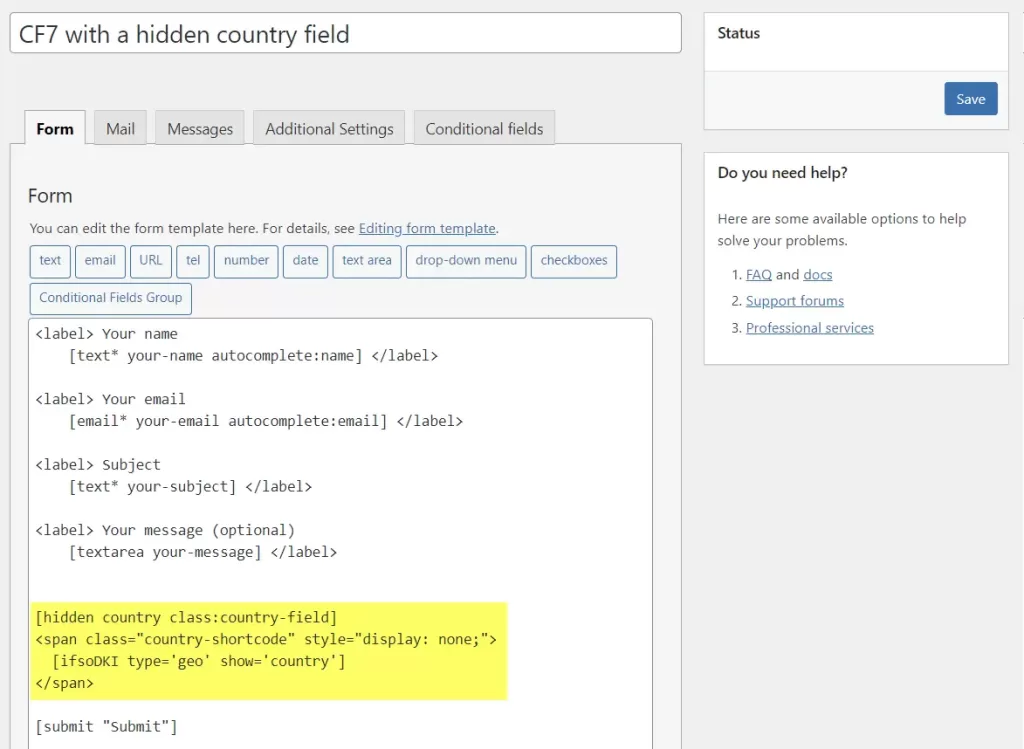
- In your Contact Form 7 form, add the following code to the form tab, placing it wherever you prefer.
[hidden country class:country-field]
<span class="country-shortcode" style="display: none;">
  [ifsoDKI type='geo' show='country']
</span>
Refer to the screenshot below for an example of the code added to CF7:
- On the page where you embed your Contact Form 7 form, include the following code within an HTML block, element, or mode:
<script>
  document.addEventListener('DOMContentLoaded', () => {
    let field = document.querySelector('.country-field')
    let shortcode = document.querySelector('.country-shortcode')
    field.value = shortcode.textContent.trim()
    shortcode.remove()
  })
</script>