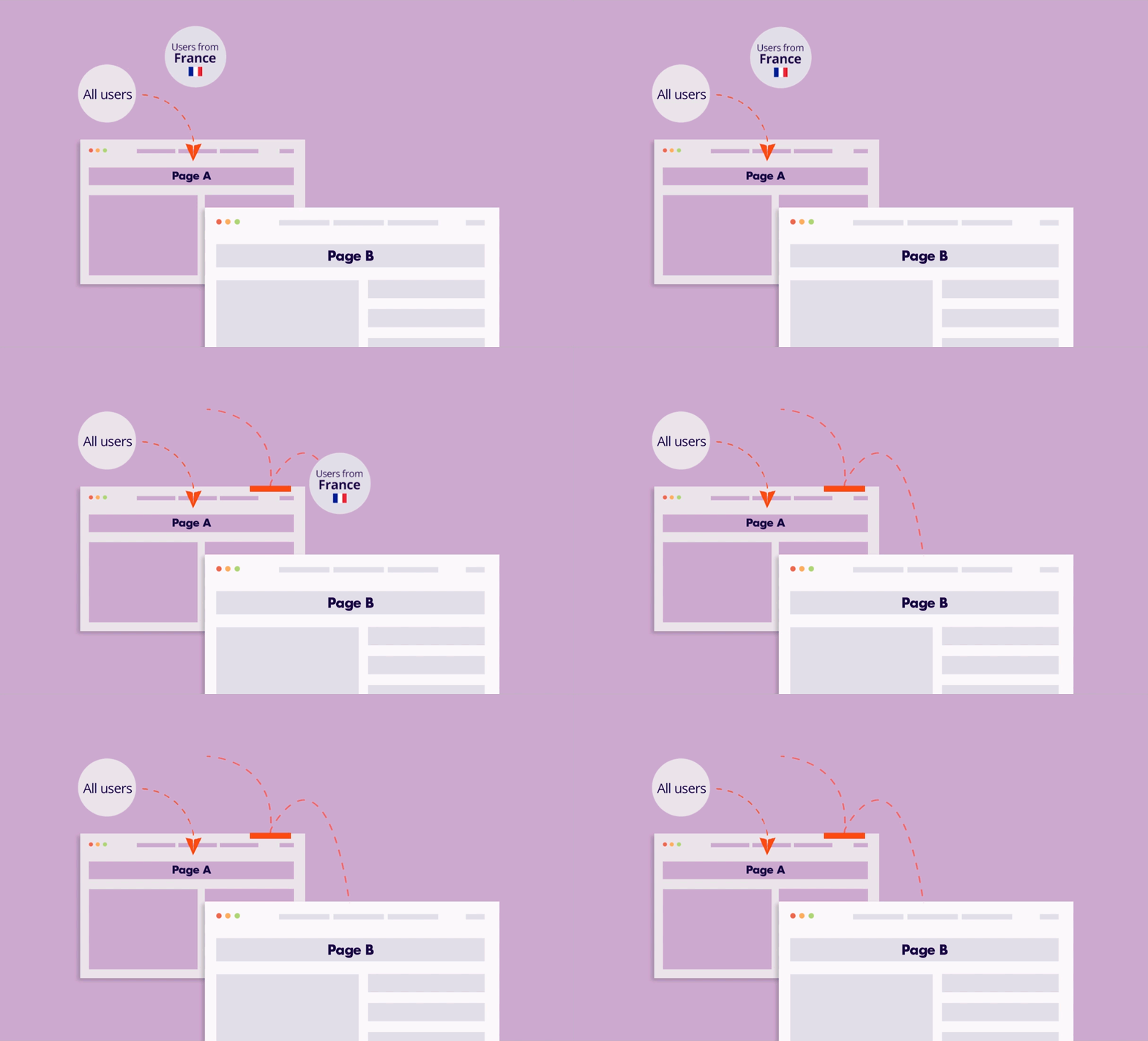
A static free shipping notice often goes unnoticed until the final checkout screen. Dynamic Cart Value Messages transform this passive offer into an active incentive by showing customers exactly how much more they need to spend to unlock a reward.
As customers add items to their cart, the message updates in real time to reflect how close they are to unlocking free shipping. This creates a more engaging shopping experience and encourages shoppers to increase their order value before completing their purchase.
Use cases
- Threshold Reminders: Display messages like “You are only $15 away from Free Shipping!” to nudge the user toward the goal.
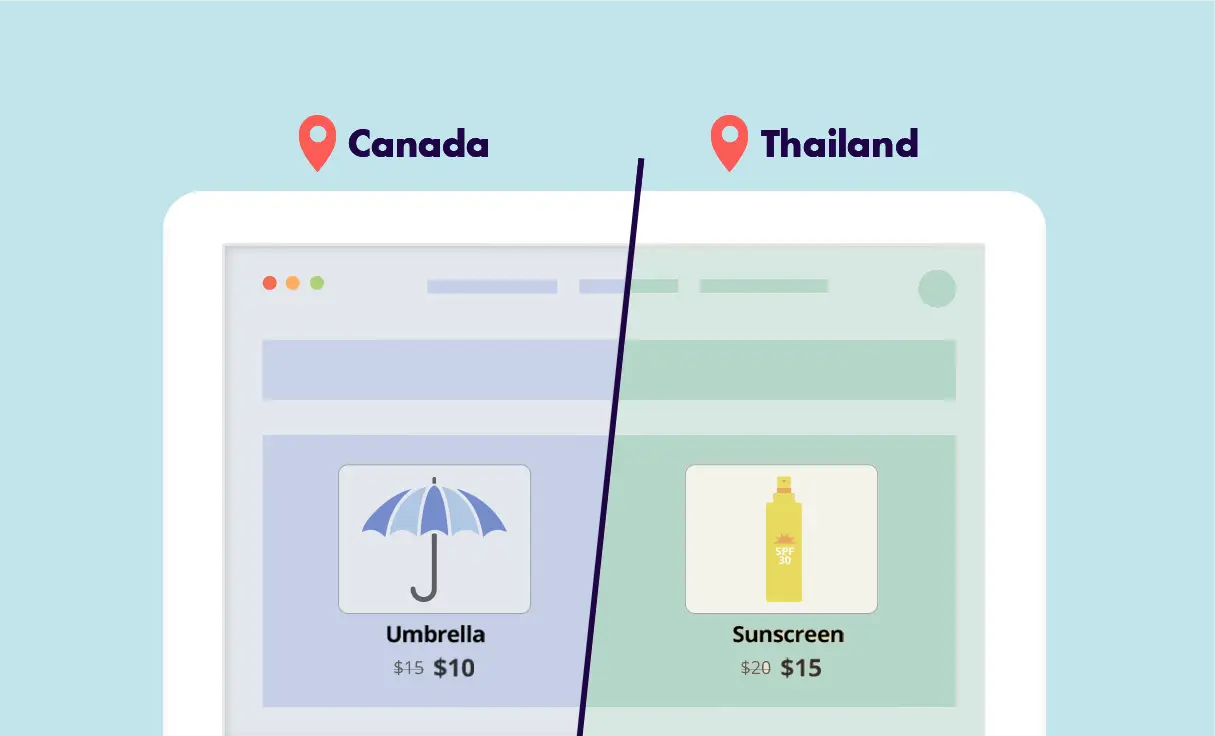
- Location-Specific Offers: Only display the free shipping message to visitors in regions where you actually offer that service.
- Visual Progress Signals: Use dynamic content to show a progress bar or a visual milestone as the cart value grows.
- Encourage higher cart values with dynamic messages that show how much more customers need to spend.
- Show a success message once the customer qualifies for free shipping.
The ROI Connection: Strategic AOV Growth
Free shipping thresholds act as a powerful psychological decision point. By surfacing this information early in the journey, you transform a simple shipping policy into a high-impact conversion lever.
This approach helps you maximize revenue from your existing traffic and lower your overall customer acquisition costs by ensuring every session has the highest possible transaction value.
For Digital Agencies
Using dynamic free shipping messages allows agencies to increase average order value (AOV) and conversion rates across client stores without complex development or redesigns. By implementing real-time, cart-based incentives, you can deliver quick, measurable wins that strengthen client retention and demonstrate clear ROI.
This approach is easy to replicate across multiple accounts, enabling agencies to scale high-impact optimization strategies efficiently across different stores and markets.
Step-by-Step: Displaying Free Shipping Messages Based on Cart Value
The system monitors the WooCommerce cart in real-time. By setting a specific value condition, If-So detects the total price of the items and displays a corresponding message. The logic is simple: if the cart is below a certain amount, show a nudge message; once they hit the limit, show a success message.
Before You Begin: Align Your WooCommerce Shipping Rules
Ensure your WooCommerce Shipping Zones are already configured with your desired threshold. This ensures that the moment your If-So trigger goes live, the store’s functional rules are already in place to honor the offer.
- Navigate to WooCommerce → Settings → Shipping → Shipping Zones.
- Click Edit on the relevant zone where you offer free shipping.
- Add or edit the Free shipping method.
- Under Free shipping requires, select A minimum order amount and enter your threshold (e.g., 50).
- Save changes to ensure your store logic matches the personalizing messaging you are about to create.
Setting up the trigger in If-So
- Create the Trigger and Condition: Go to If-So → Add New Trigger on your WordPress dashboard. From the condition dropdown menu, select WooCommerce – Value of Items in Cart. This allows the plugin to “listen” to the active session’s cart total.
- Define the Value in Cart condition: In Version A, select the Value of Items in the cart condition and set the value at which you want the message to appear (e.g., “is less than” 100).
- Craft the “Nudge” Message: In the Version A content field, enter the text you want users to see while they are still building their cart. You can use this space to be encouraging and clear.
Example: “You’re just a few dollars away from Free Shipping—add one more item to unlock your reward!” - Create the “Success” State (Default Version): The Default Content field is what appears when the conditions in Version A are no longer met (i.e., when the cart value is not less than $100). This is where you congratulate the customer.
Example: “Great news! Your order qualifies for Free Shipping.” - Publish and Place the Shortcode: Click Publish and copy the generated trigger shortcode. You can paste this shortcode anywhere you want the message to appear, such as:
- The top of the Cart Page.
- Inside a Side-Cart or mini-cart widget.
- A site-wide Notification Bar in your header.