Implementation Overview
Setting it up is extremely simple:
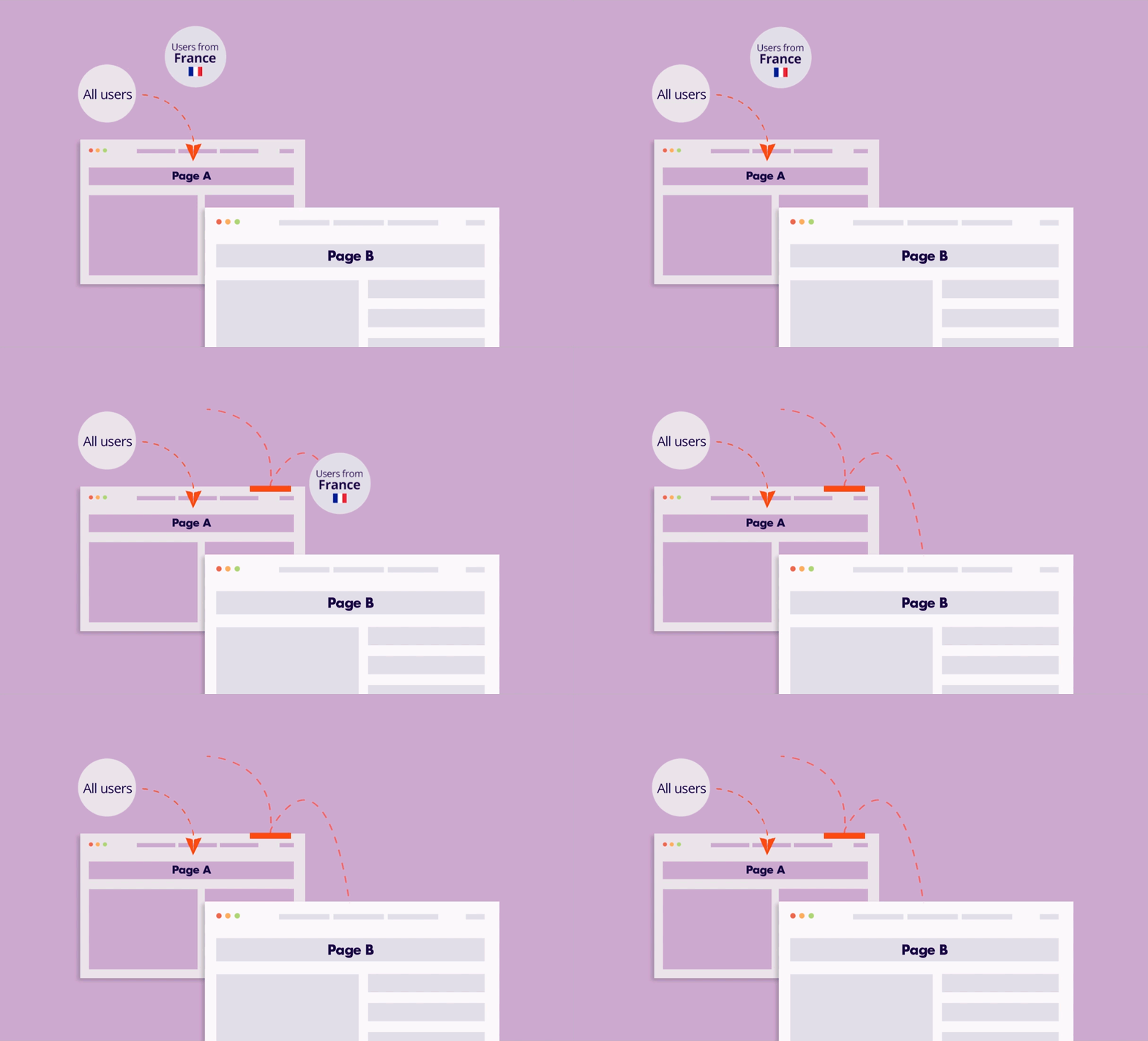
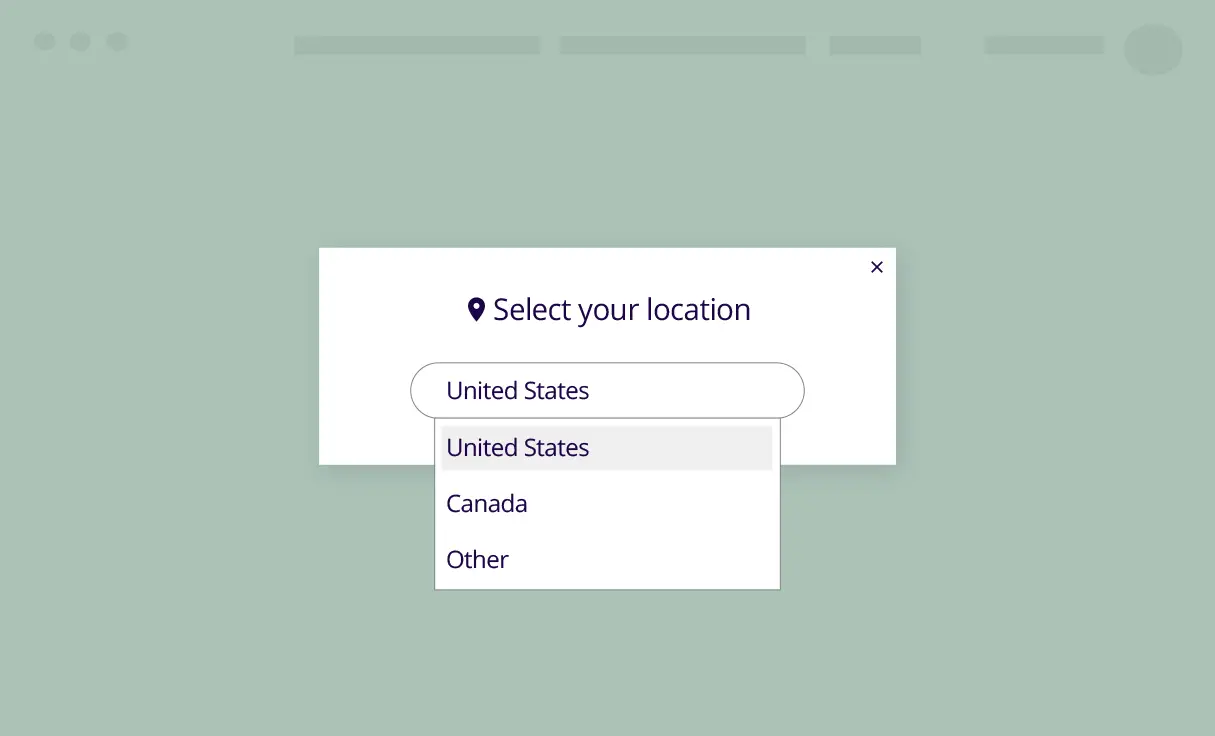
1. Create an If-So trigger: Target the relevant locations by listing specific cities or regions to cover your entire service area.
2. Choose your copy and style: Customize your preferred template from the gallery above and paste the code into the trigger’s content field.
3. Go live: Add the trigger’s shortcode to your site (with If-So, you can easily place the trigger at the top of every page at once).