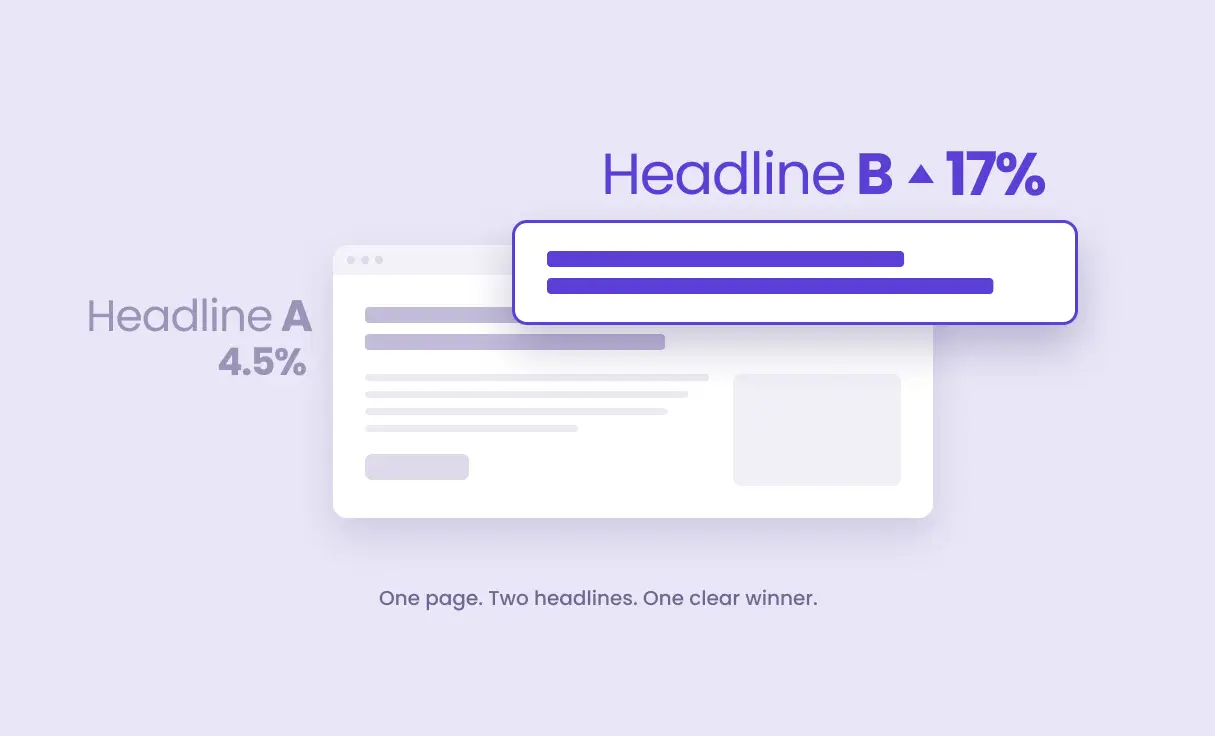
Your headline is the first thing visitors read. And usually the last thing you ever think to change.
That’s backwards. It’s the cheapest thing on the page to change, and it moves more than almost anything else.
Even a good headline can be beaten — here’s what to try
One rule first: change the headline, nothing else.
There’s more than one way to write a stronger version. A few angles worth testing:
- Kill the objection — answer the “yeah, but…” right in the headline.
- Feature → benefit — say what they get, not just what it is.
- Get specific — trade a vague promise for a real number.
- Ask their question — turn the statement into the question they’re already asking.
Step-by-step: how to A/B test your headline
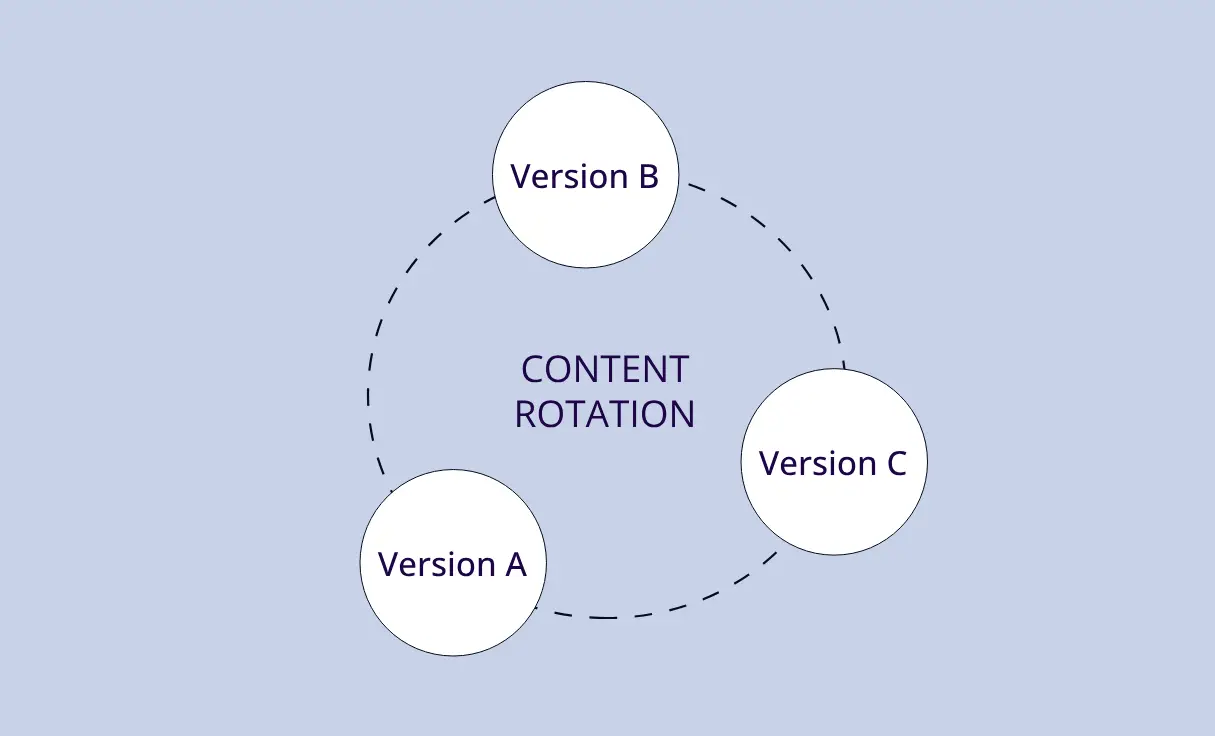
The setup involves two steps: (1) creating a trigger with two headline versions that If-So rotates and measures, and (2) placing the trigger’s shortcode where your current headline sits. The example below tests a plans-page title — “Our plans” against “Start Free. Upgrade Only When It Pays Off.”
- Download and activate the If-So Dynamic Content plugin.
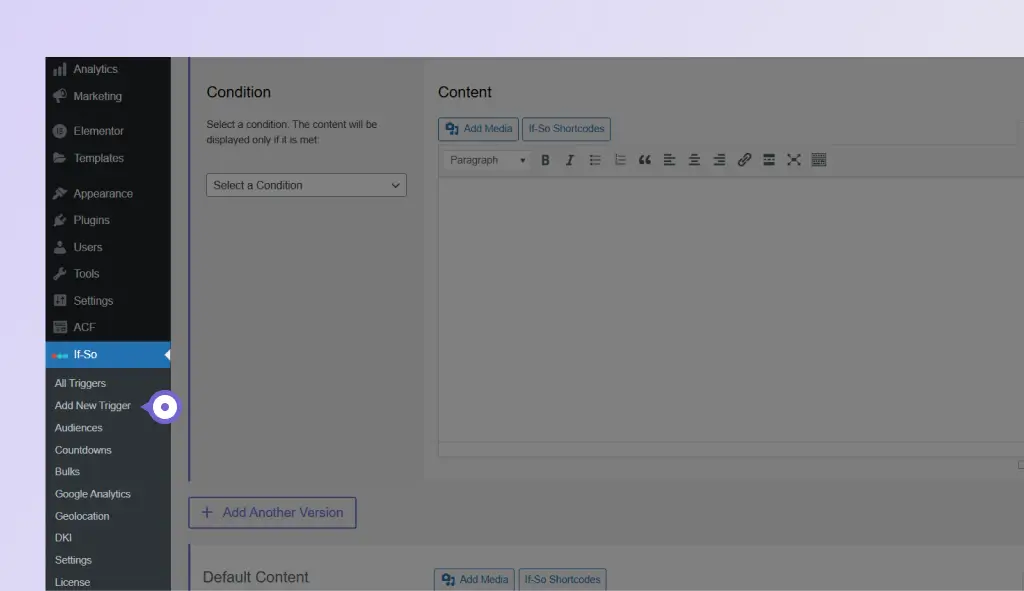
- On your WordPress dashboard, go to If-So → Add New Trigger, and give it a name (here, Plans page A/B Testing). Screenshot
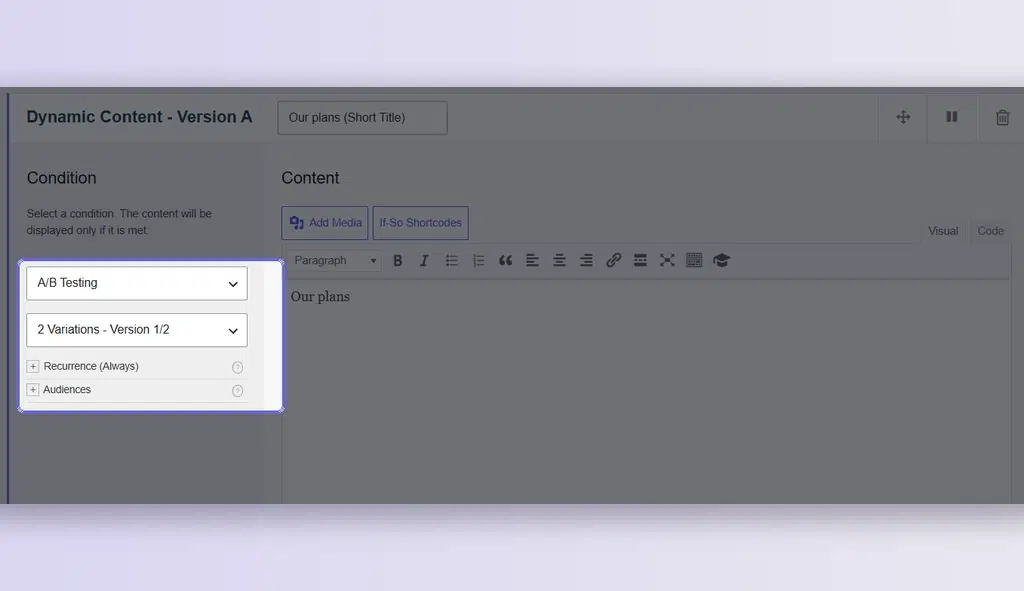
- Under Version A’s condition, select A/B Testing from the first dropdown, then choose 2 Variations – Version 1/2 from the second. Screenshot
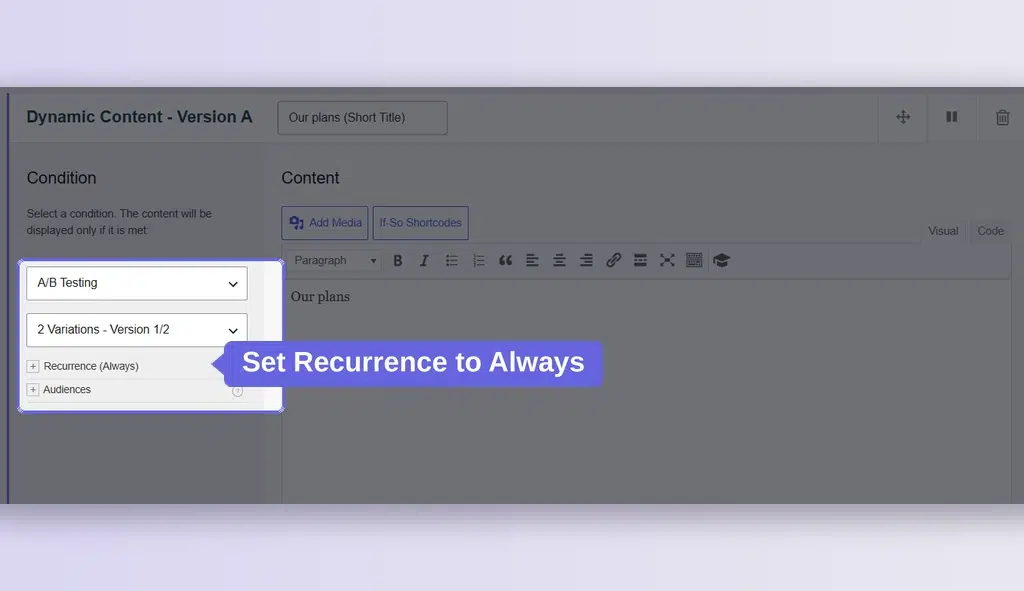
- Set Recurrence to Always. This matters specifically for A/B tests: it locks each visitor to one version, so returning visitors don’t bounce between headlines and skew your results. Screenshot
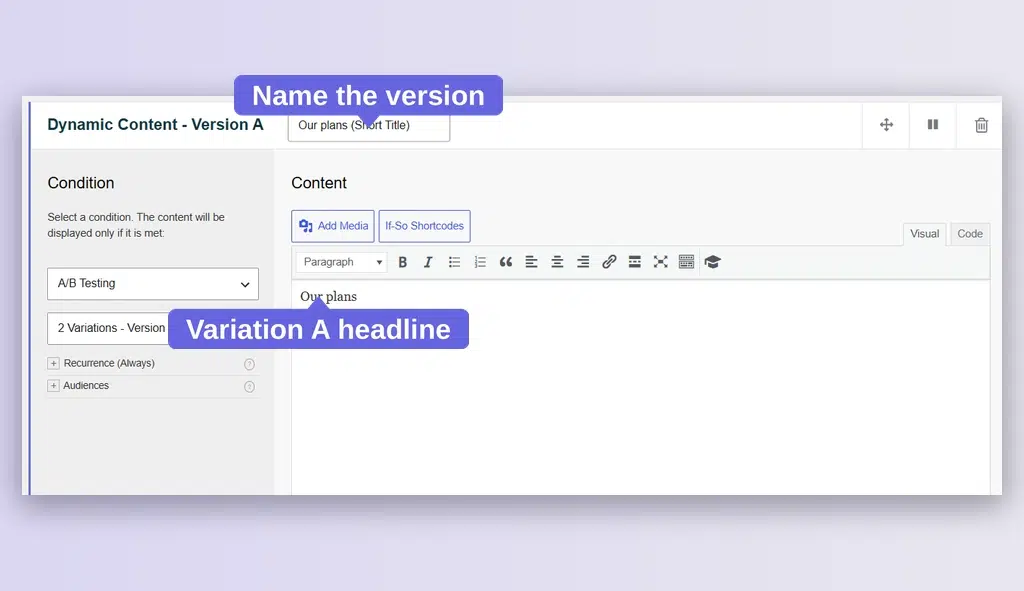
- In Version A’s content field, write your first title (here, Our plans), and name the version — the name you enter is what appears in the A/B testing analytics table, so make it recognizable (for example, Our Plans). Screenshot
- Click + Add Another Version, then set up Version B: choose A/B Testing → 2 Variations – Version 2/2, name it (for example, Start Free), and paste your second headline (Start Free. Upgrade Only When It Pays Off.). Screenshot
- Click Publish, then copy the trigger’s shortcode. Screenshot
- Open the page you’re testing and replace its title with the shortcode: delete the current headline text in the Heading (title) field and paste the shortcode there instead.
- Set Default Content to your current headline (here, Our plans) to keep your site’s caching and SEO intact. Screenshot
Once the test is live, compare the versions under the If-So Analytics tab — views, conversions, and conversion rate per version. In this example, Start Free (B) is converting at 6.04% versus 2.28% for Our Plans (A). Screenshot
Screenshots


Tell If-So what a “win” is
- Go to If-So → Analytics → + Create a new conversion.
- Name it (“Lead”), and set the Target URL to the page people land on after they convert — usually your thank-you page.
- Save.
If-So now tracks views, conversions, and conversion rate for each headline, side by side.
Your move
Take your current headline. Write one benefit-led version. Ship it today.