Some offers are legal in one jurisdiction and not in the next. A sweepstakes or raffle is open in some states and void in others. A forex or investment product needs a different disclosure — or can’t be marketed at all — depending on the visitor’s country.
Insurance and loan offers are licensed state by state. Regulated products, from supplements to alcohol delivery, have their own patchwork. And a local-only offer may be valid in one city and nowhere else.
The people who own this problem are usually the compliance officer, the marketing lead, or the agency running the site for a regulated client. What they need is simple to state: the page a visitor sees should match what the business is allowed to show in that visitor’s jurisdiction — with a compliant alternative in place, not a blank space or a broken layout.
If-So Dynamic Content gives you 3 ways to do that. All 3 use the same geolocation condition, so you can mix them on one site.
3 ways to restrict content by jurisdiction
1. Replace the content

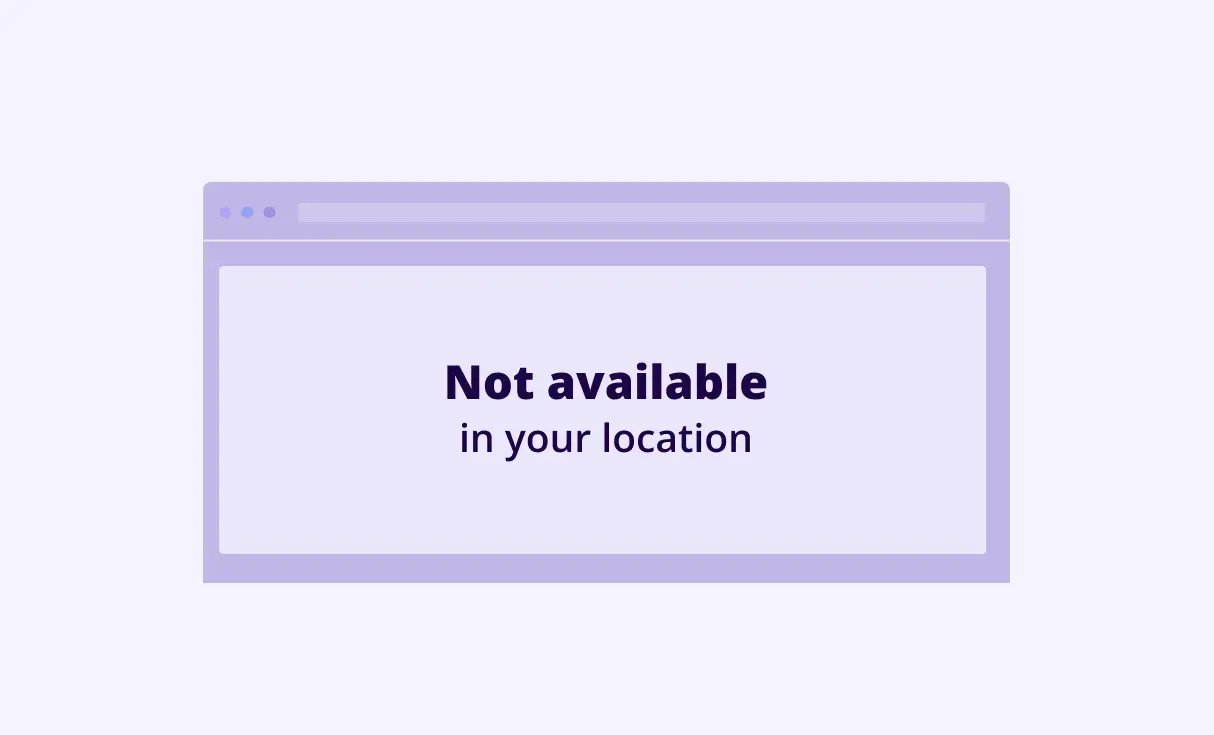
Show the offer to visitors from eligible states or countries, and show something compliant to everyone else — a “not available in your region” notice, a different product, or a contact form for a licensed agent.
This is the right choice when the rest of the page is fine for everyone and only one element changes: a card, a section, a button, a price. It works with a trigger, a Gutenberg conditional block, or an Elementor conditional element.
Feature: Geo-based content · Setup: The geolocation condition
2. Block the page

Nothing on the page may be shown in that jurisdiction, so visitors from restricted locations see only a message instead of the page. Use it for whole-page or whole-site restrictions — a product line that can’t be offered at all, or a site that must not be viewed from certain countries.
Feature: Country block · Setup: Block or show content by country, state, or city
3. Redirect to a different page
A compliant page already exists for that jurisdiction — a regional store, a version with the right disclosures, a page that says which states are covered. Send the visitor there. Redirect once per visitor, or ask before redirecting, so people aren’t trapped.
Feature: Geo redirect · Setup: Geo redirect guide
Which one?
Replace when one element changes. Block when nothing on the page may show. Redirect when the right page already exists. Many sites use 2 of the 3: replace on product pages, redirect at the checkout.
Try it on your own site — the free version includes every geolocation feature.
What compliance teams ask before they use it
A technical control, not a legal guarantee
Geo targeting is a technical control, not a legal guarantee. It applies your rule to the location If-So can detect. It does not verify identity, residency, or age, and it does not replace the eligibility checks, disclosures, or terms your counsel requires.
Use it to make the right version of the page appear in the right jurisdiction, and keep your other controls in place.
VPNs
A visitor on a VPN or proxy is located at the VPN server. If that server is in an eligible state, the visitor sees the eligible version. This is true of every IP-based method, and it is one reason the control above is technical rather than legal.
Mobile-carrier IPs
Mobile networks often route traffic through a shared gateway, so a phone’s IP can resolve to the gateway’s city rather than the visitor’s. Country and state are usually still correct.
For city-level rules, enable HTML5 browser location so If-So can ask the device for its position, and offer the location override selector so a visitor can correct a wrong result.
Search engine bots
Search engine bots are located by their own server’s IP, so what they see depends on how the content loads. If-So offers 2 ways to load dynamic content — with Ajax (for page-caching compatibility) or without.
Without Ajax loading, bots see whichever version matches their server’s location. With Ajax loading, they see whatever is set to display before the Ajax call — the default version, a blank, or a loader — so for pages that must stay indexable, set the default version to load first.
Also useful here
- Self-location selection — let visitors set or correct their own location.
- Geo pop-ups — show a jurisdiction notice as a pop-up instead of in the page.
- Geolocation pricing — free version, session tiers, and the free trial.
How do I restrict content by state in WordPress?
Add a geolocation condition to the content: one version for the eligible states, a default version for everyone else. If-So does this for a single element, a whole page, or as a redirect, on Gutenberg, Elementor, or any builder.
Can a WordPress site show different content by country for legal reasons?
Yes. Country, state, and city are all targeting levels, so a page can show the offer, disclosure, or notice required in each jurisdiction and a compliant alternative everywhere else.
Is there a free version, and what’s the limit?
Yes. The free version includes every geolocation feature with a monthly session allowance — a session is counted once per visit, only on pages with geo-based content. Larger allowances are on the geolocation pricing page.
Do I need If-So Pro for state or country rules?
No. Geolocation is standalone. Pro adds other conditions and A/B testing, but state, country, and city targeting work without it.
How accurate is state detection?
Country from IP is reliable; state and city are less exact, especially on mobile networks. For state-level rules, HTML5 browser location and the location override selector close the gap. It remains a technical control, not a legal guarantee.
Before you choose a geolocation solution, check that it…
Fits your site
- Works with your page builder
- Works on cached pages and CDNs
Gets the location right
- Doesn’t rely on a free database
- Offers HTML5 browser location for city-level accuracy
Gives you options, not one trick
- Restricts a page, a product, or a single element — not just the whole site
- Shows a message, alternative content, or redirects to the right regional page
- Lets visitors correct or choose their own location with an override
Won’t become a chore
- Doesn’t ask you to download and refresh an IP database
- Doesn’t need a sign-up or a card to try
Counts sessions fairly
- Counts usage per visit, not per page view — or your quota drains fast
- Doesn’t count a session unless the visit includes geo-based content