New & Returning Visitor Experience

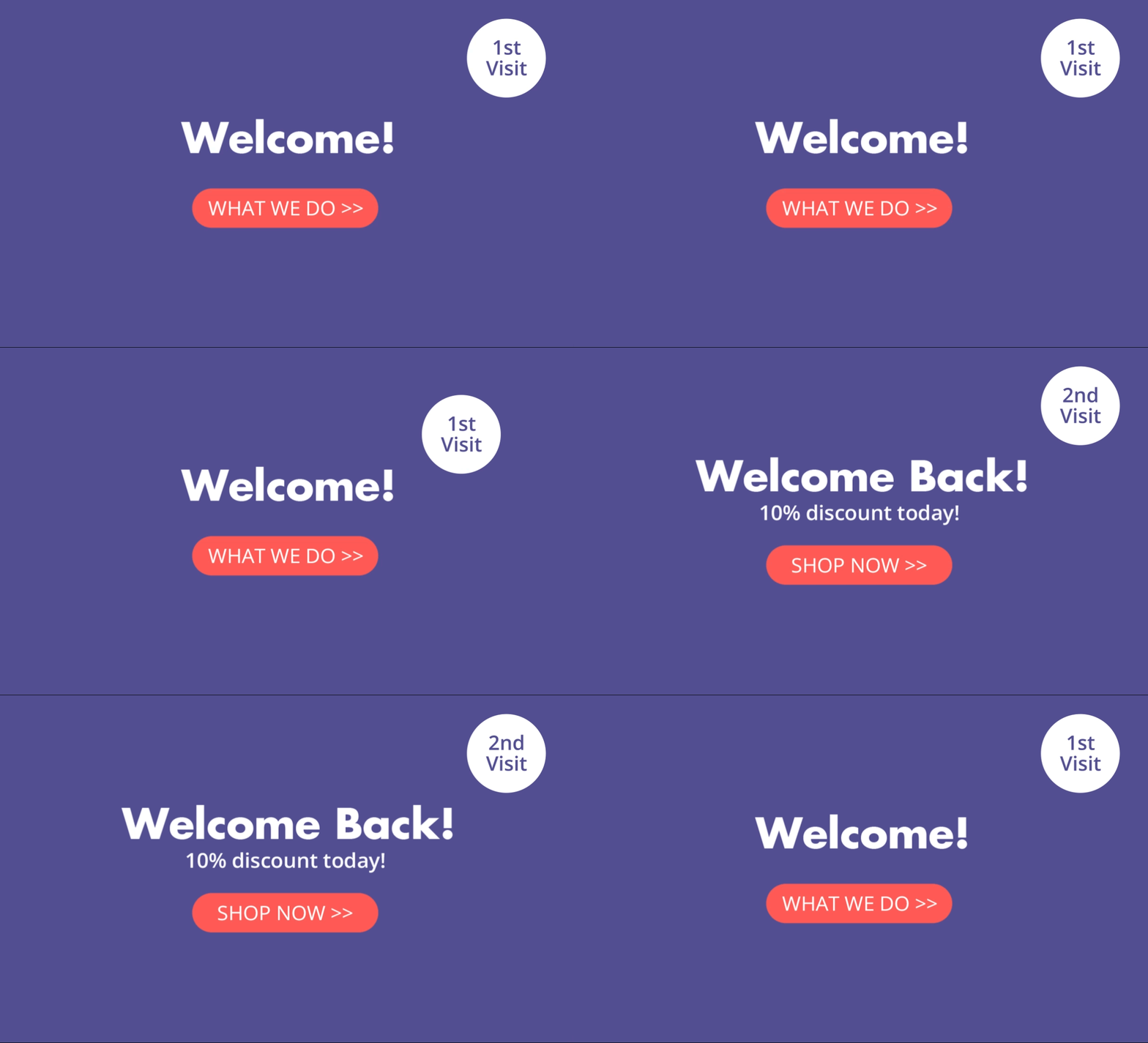
Guide users through your sales funnel by changing your message based on their visit count. Show a brand introduction on the first visit, a case study on the second, and a high-urgency "limited time offer" on the third to drive the final conversion.
New returning visitor

Implementation Overview

Setting it up is extremely simple:

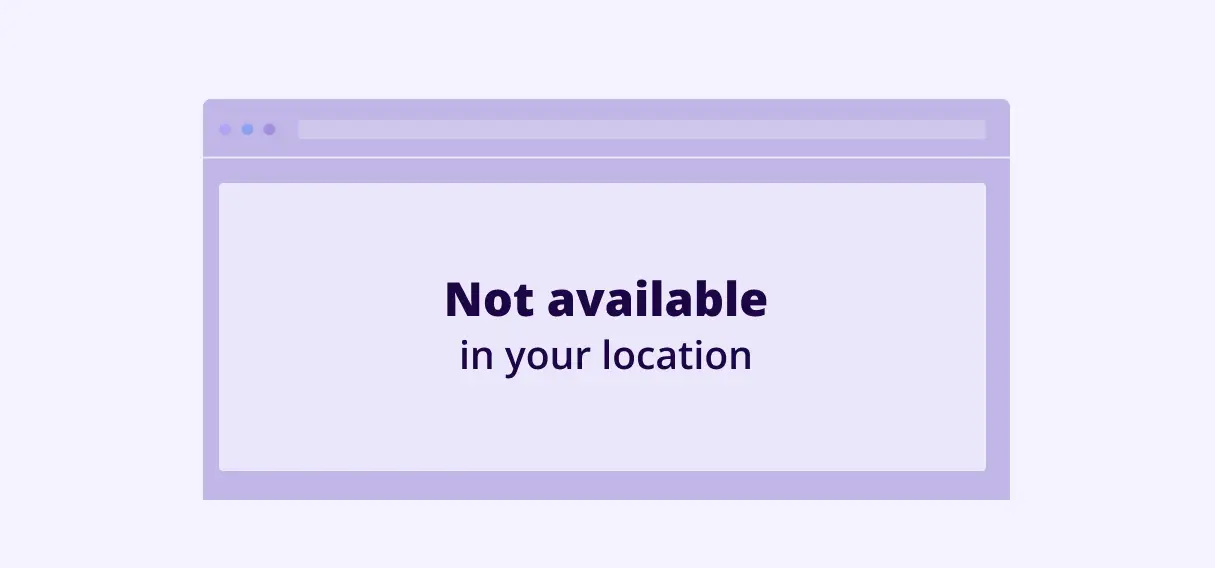
1. Create an If-So trigger: Target the relevant locations by listing specific cities or regions to cover your entire service area.

2. Choose your copy and style: Customize your preferred template from the gallery above and paste the code into the trigger’s content field.

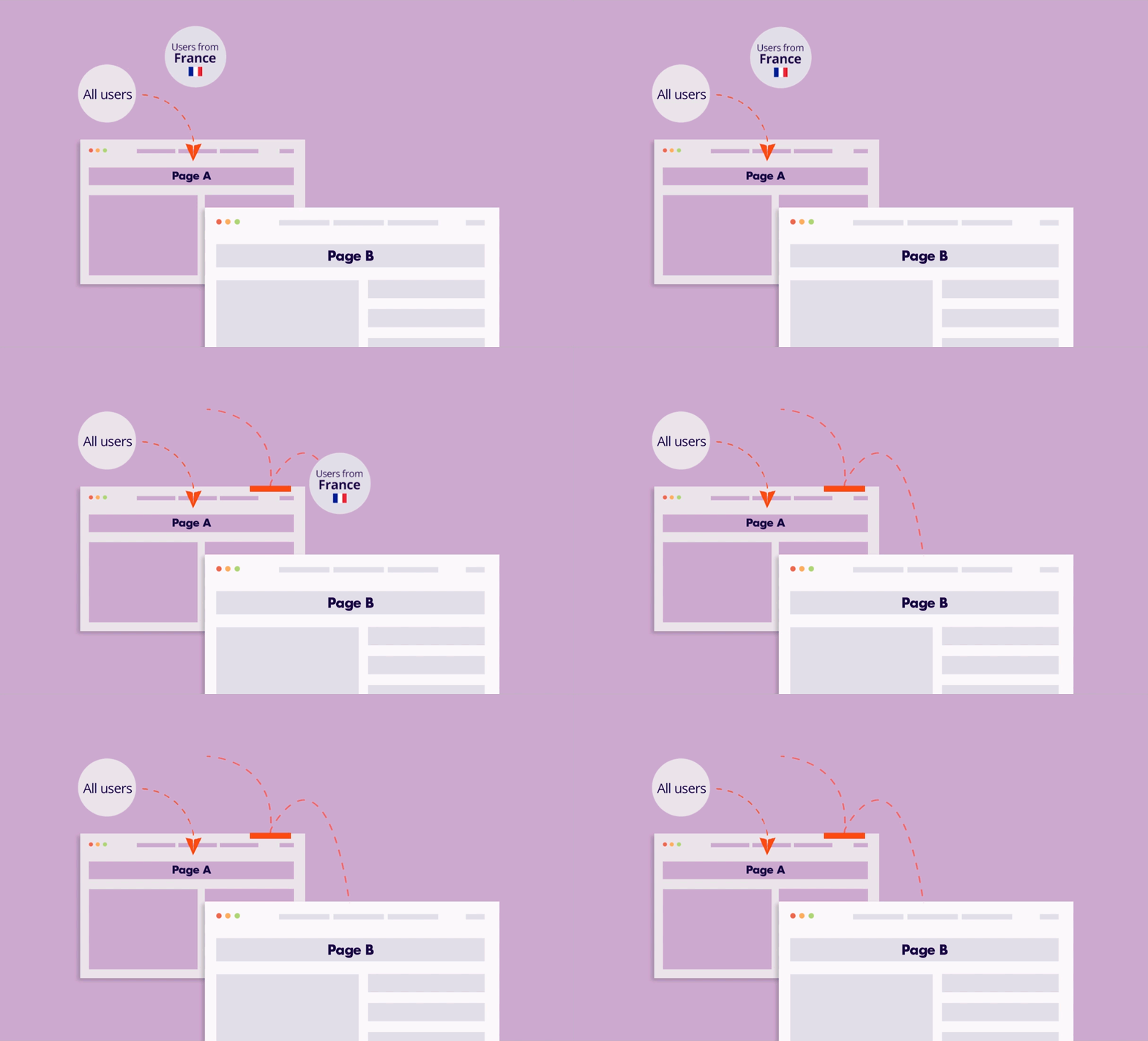
3. Go live: Add the trigger’s shortcode to your site (with If-So, you can easily place the trigger at the top of every page at once).
Main Objectives

Boost Conversions & Sales, Improve Engagement & User Experience, Maximize E-commerce Sales, Reduce Bounce Rate

Requirments

If-So Core Plugin

Ready to get started?
Try it on your website