Use cases
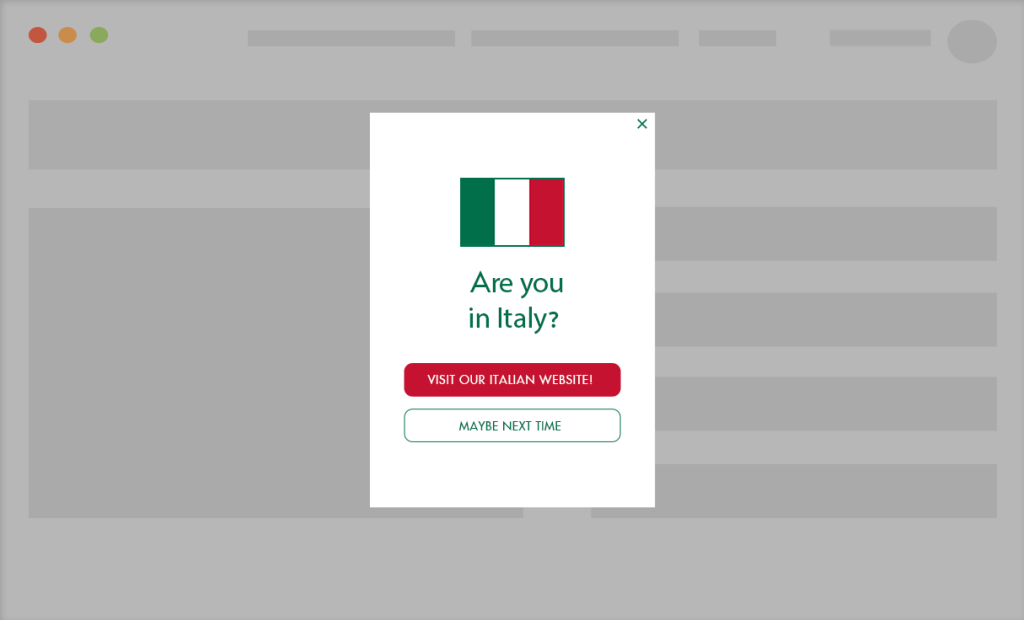
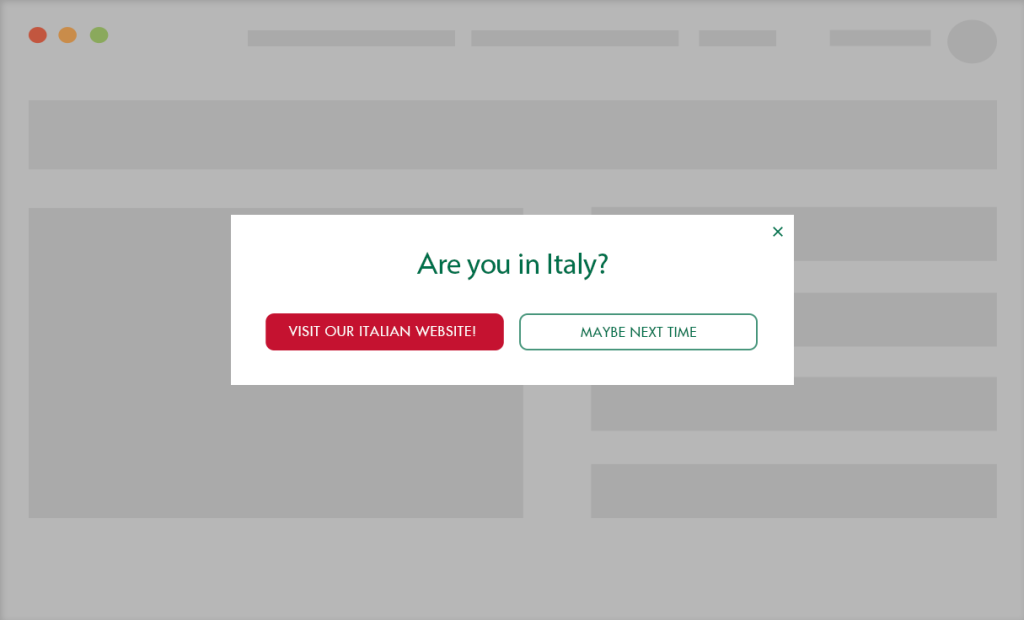
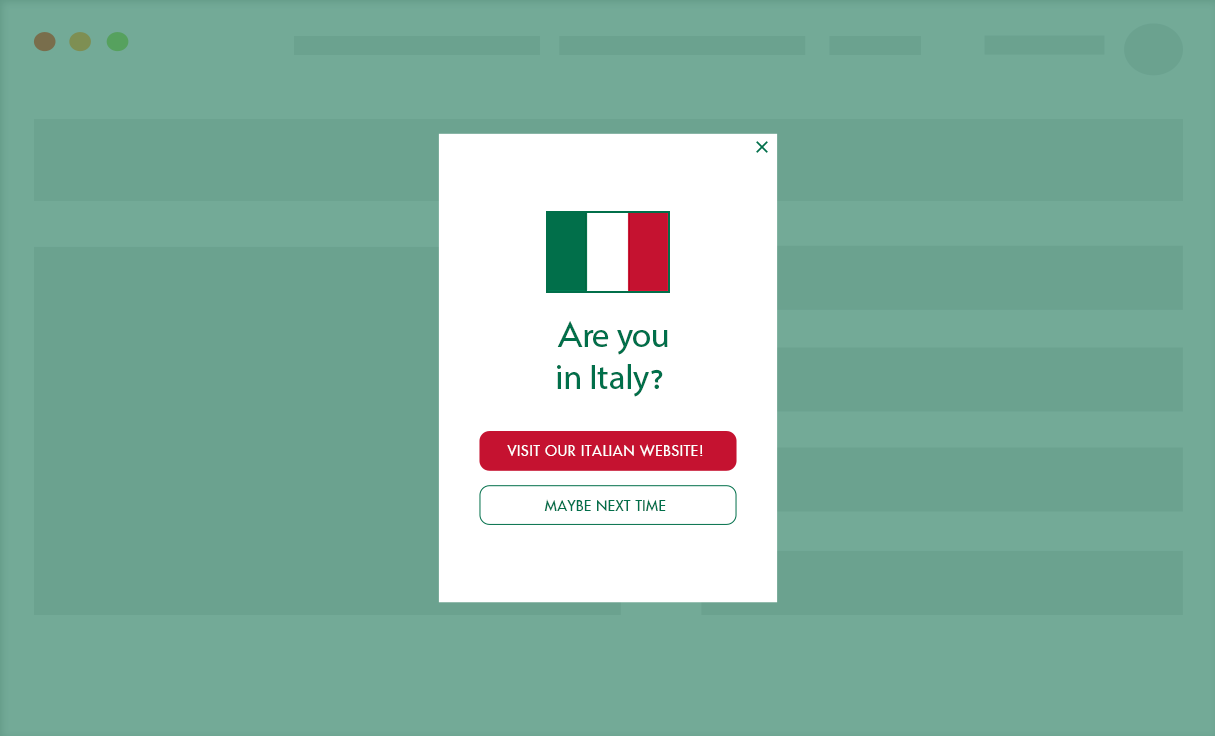
- Ask visitors if they prefer to visit a translated version of a page.
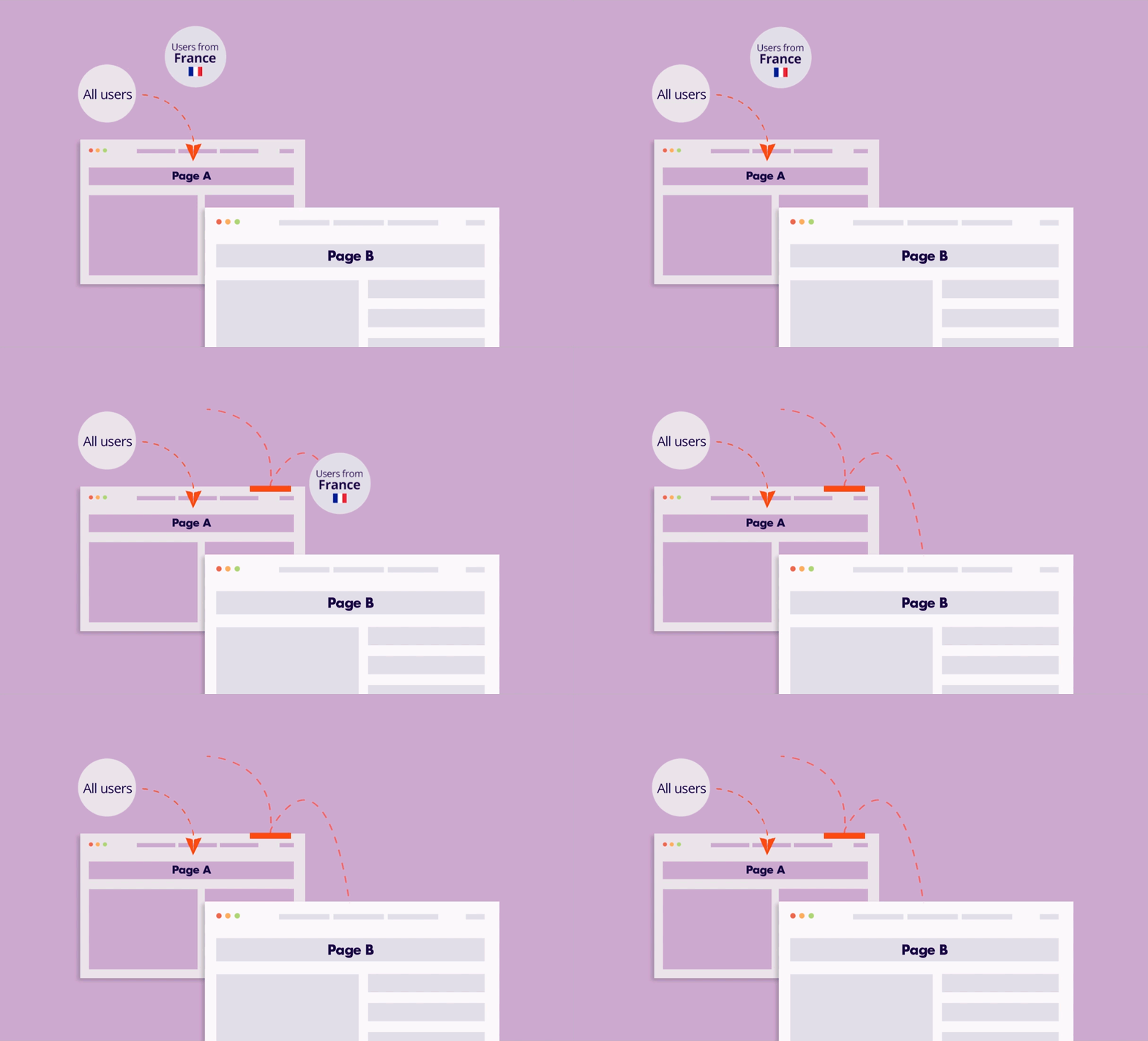
- Create a page with an overview of your product in your visitor’s language. Suggest the page when visitors visit the site for the first time (or at another point on their journey).
Targeting options
- User’s location – continent, country, state, or city
- Browser language – can be set instead or in addition to the geolocation condition. This option allows you to target visitors in their language when they travel abroad.
Implementation Overview
Setting it up is extremely simple:
1. Create an If-So trigger: Target the relevant locations by listing specific cities or regions to cover your entire service area.
2. Choose your copy and style: Customize your preferred template from the gallery above and paste the code into the trigger’s content field.
3. Go live: Add the trigger’s shortcode to your site (with If-So, you can easily place the trigger at the top of every page at once).
Ready-to-Use Templates for Quick Implementation
To make implementation as easy as possible, we’ve included pre-designed layouts you can use instantly. While you are free to build your own from scratch, these mobile-optimized templates allow you to simply select a style, add your address, and go live in minutes.