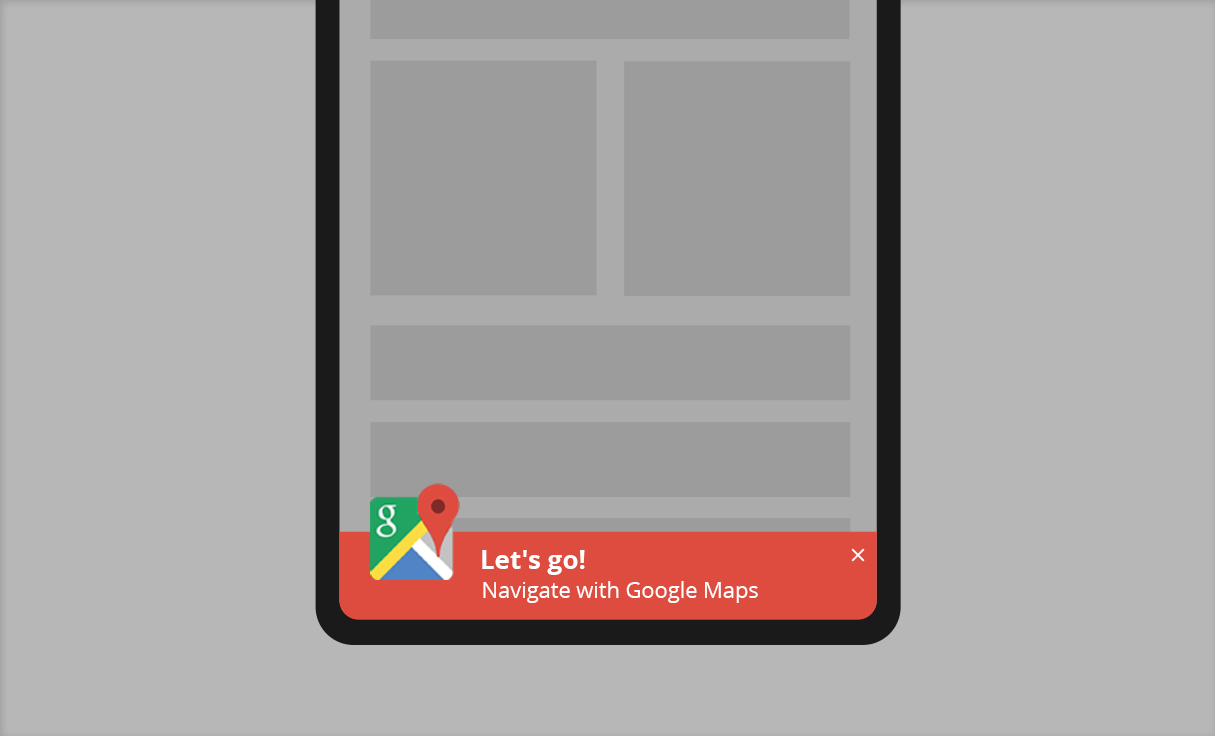
Boost Engagement and Drive Conversions with Notification Bars
Notification bars are a powerful tool that can help websites effectively communicate with their visitors and boost engagement. Located at the top of the page, they are perfect for displaying important information, such as limited-time offers, promotions, or updates.
Step-by-step: How to apply the template to your site
- Click the “Edit Template” button.
- Customize the template and click “Copy Code“.
- On your WordPress dashboard, go to “If-So → Add New Trigger”.
- Select the condition for displaying the template.
- Paste the template code in the dynamic version’s content field. Make sure you are in “Text” mode.
- In the default content field, enter the content to be displayed if the condition is not met (optional, can be left blank).
- Press “Publish”.
- Paste the trigger’s shortcode anywhere on your website.
Display the template on all website pages
- Download the Trigger Events extension.
- On your WordPress dashboard, go to “If-So → Settings”.
- Paste the trigger’s shortcode into the “Load Extra content on all pages” field.
- Exclude pages for which you don’t want to display the content.
- Click “Save“.