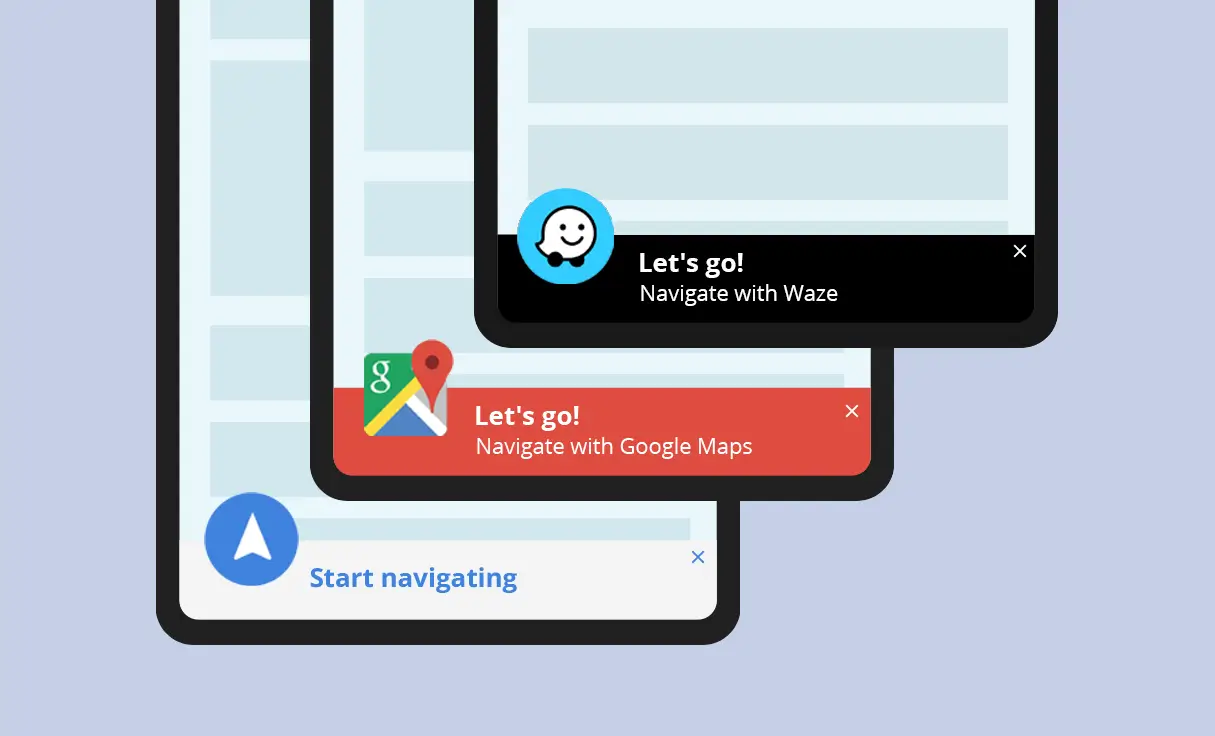
Drive Local Traffic While Preserving Screen Space for Online Conversions
Target nearby visitors with a relevant navigation button without distracting users who are too far away to visit. By automatically filtering who sees the prompt based on proximity, you provide a seamless experience for locals while leaving more real estate to direct them toward other actions.
Use cases
- Regional Service Centers: Show a navigation button to any visitor within the same state or country.
- Tourist Attractions: Help visitors currently traveling within your country find your entrance easily.
- Special Events: Display a Waze shortcut to users in nearby cities who are likely to drive to your venue.
- Showrooms & Dealerships: Trigger a “Get Directions” bar for mobile users browsing from within a drivable distance (targeted by city list).
The ROI Connection: Increase Physical Visits with a “Proximity Nudge”
Bridge the gap between a digital browse and a physical visit with hyper-local messaging.
Beyond just showing a button, adding a simple, personalized sentence can dramatically change a visitor’s behavior. When a user is detected nearby, displaying a message such as “We’re just around the corner!” or “Stop by – we’re only minutes away” creates an immediate psychological “nudge.”
Strategic value: This approach transforms your website from a static page into a local invitation. By highlighting exactly how close you are, you reduce the “mental friction” of travel and make a visit feel effortless. Because this specific tactic targets high-intent visitors at the exact moment they are closest to your location, this simple-to-implement strategy pays for itself from the very first client who walks through your door because they realized you were nearby.
Implementation Overview
Setting it up is extremely simple:
1. Create an If-So trigger: Target the relevant locations by listing specific cities or regions to cover your entire service area.
2. Choose your copy and style: Customize your preferred template from the gallery above and paste the code into the trigger’s content field.
3. Go live: Add the trigger’s shortcode to your site (with If-So, you can easily place the trigger at the top of every page at once).
Ready-to-Use Templates for Quick Implementation
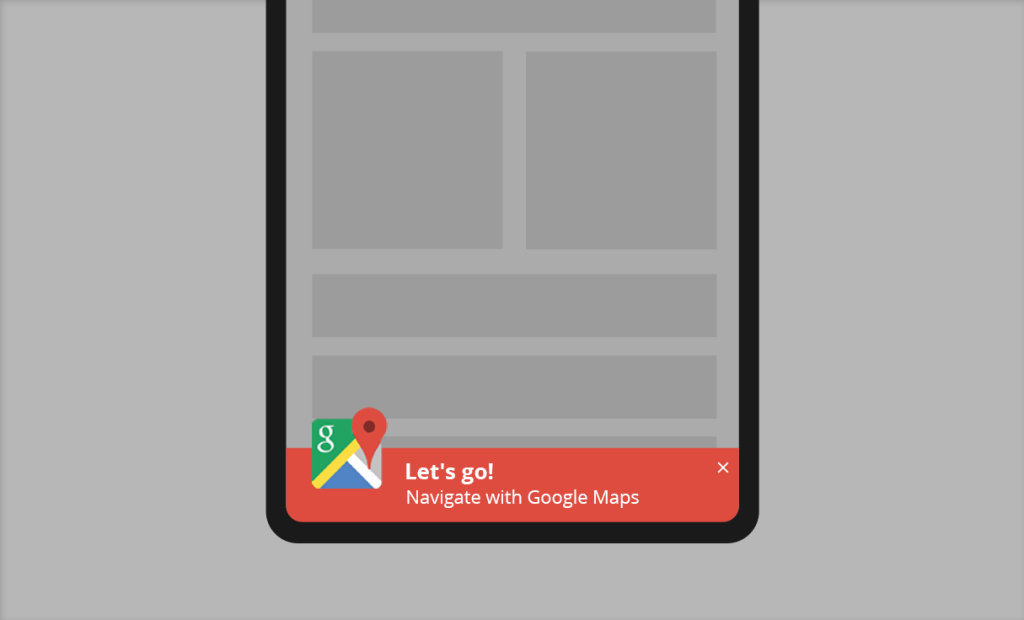
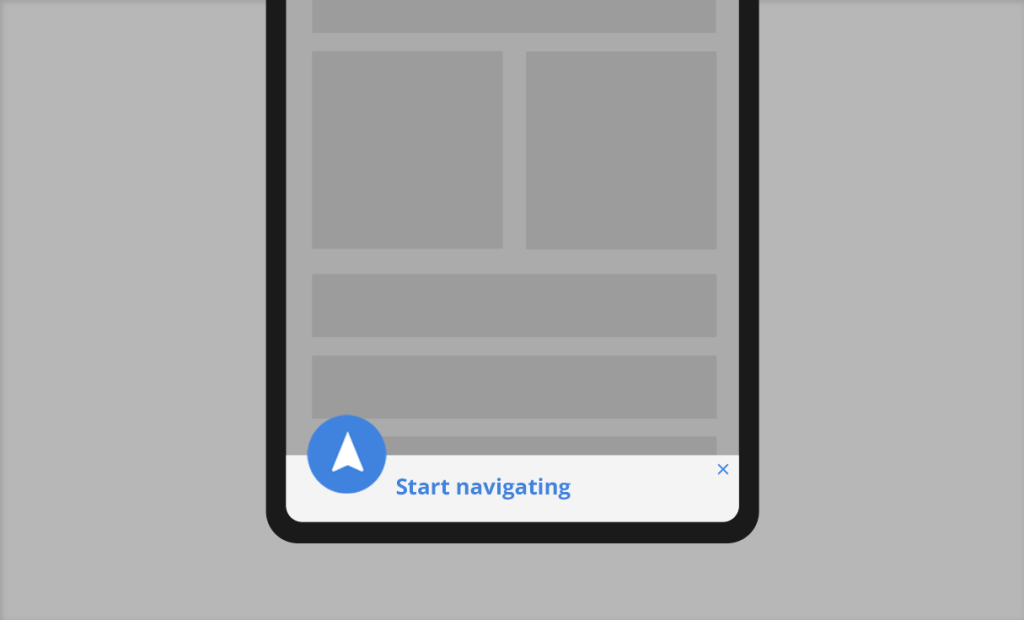
To make implementation as easy as possible, we’ve included pre-designed layouts you can use instantly. While you are free to build your own from scratch, these mobile-optimized templates allow you to simply select a style, add your address, and go live in minutes.

Level Up: Take It Further
Go beyond the basics and use multi-condition logic to create a truly intelligent user experience:
Urgency-Driven Closing Hours: Display a live countdown or a clear message showing exactly when your doors close.
We’re open today until 18:00 – stop by before we close!
The “Distance Pivot”: Automatically swap the navigation button for a global CTA when a visitor is too far away to drive.
Shop our full collection online and enjoy free shipping
After-Hours Lead Capture: When your physical doors are shut, switch the “Get Directions” button to an appointment scheduler.
We’re closed for the day, book a priority slot for tomorrow morning
Hyper-Local Incentives: Trigger an exclusive coupon code that only appears to visitors within a specific radius of your store.
We’re close by! Show this screen at the counter for a 10% local-visitor discount.