Use cases & Targeting options
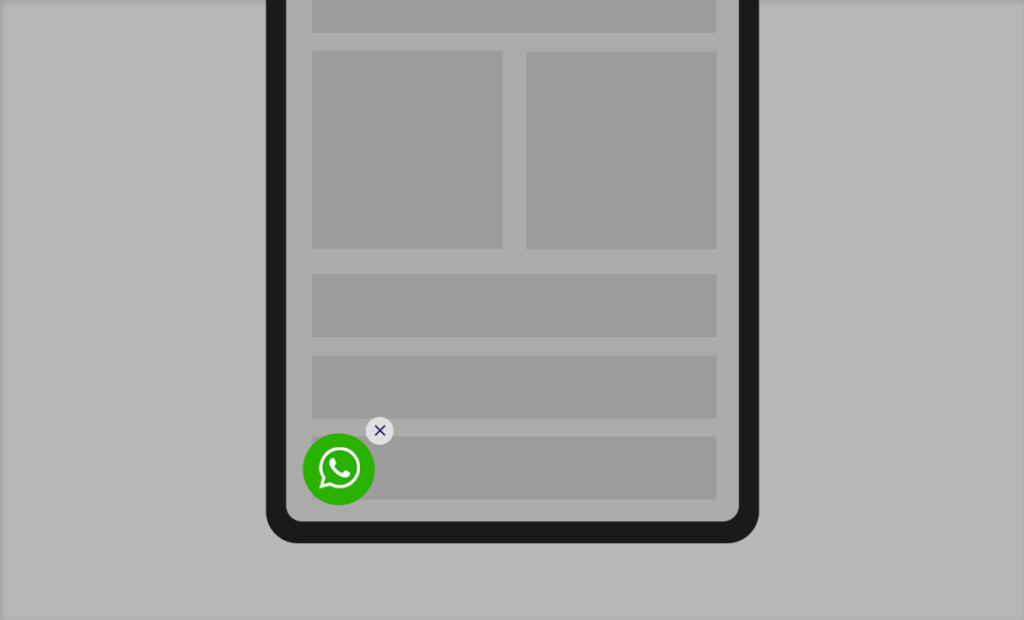
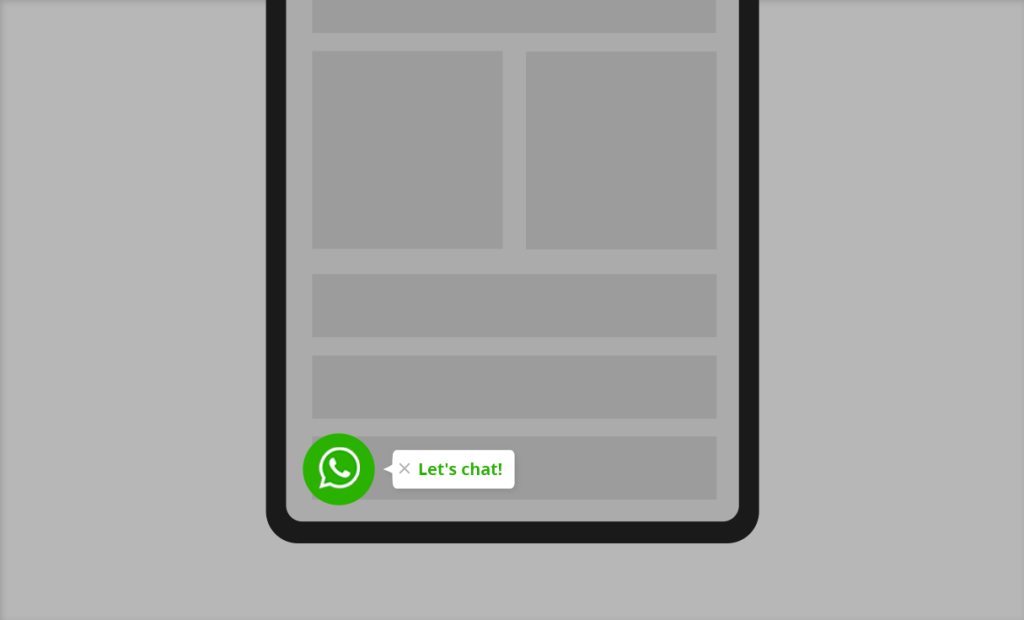
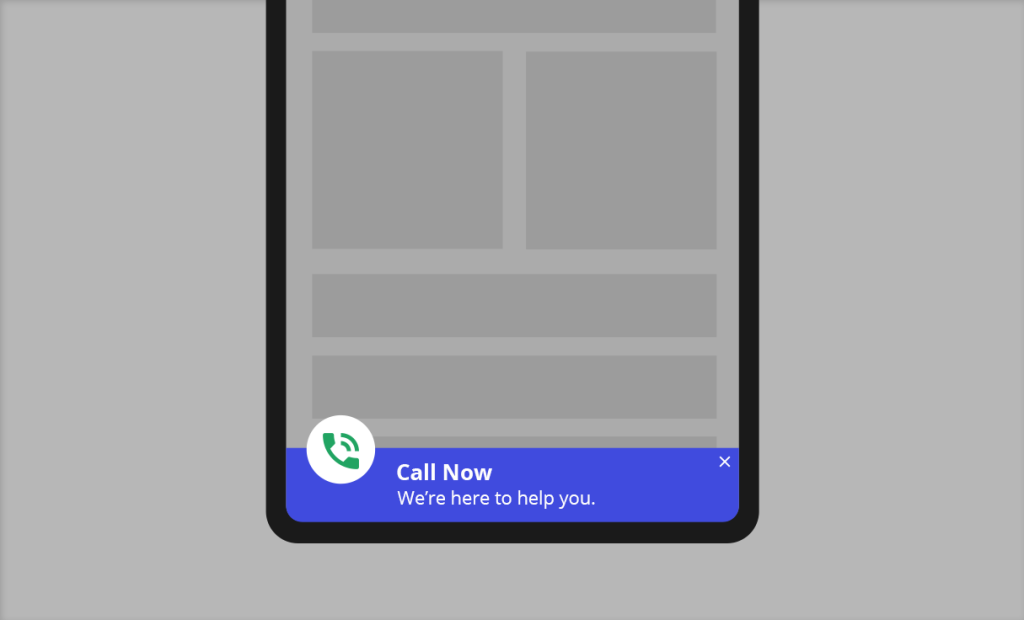
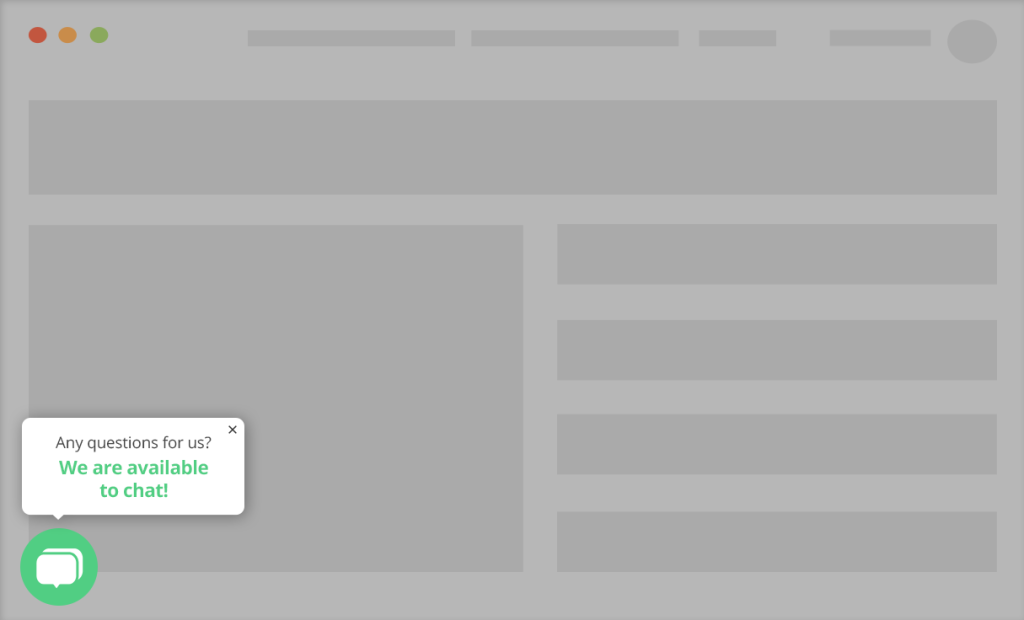
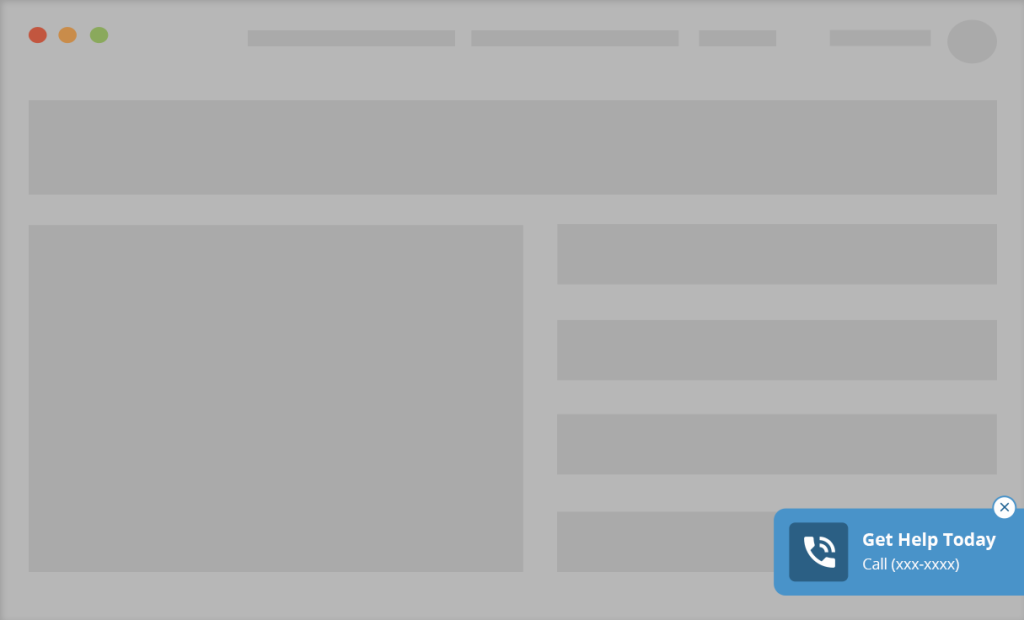
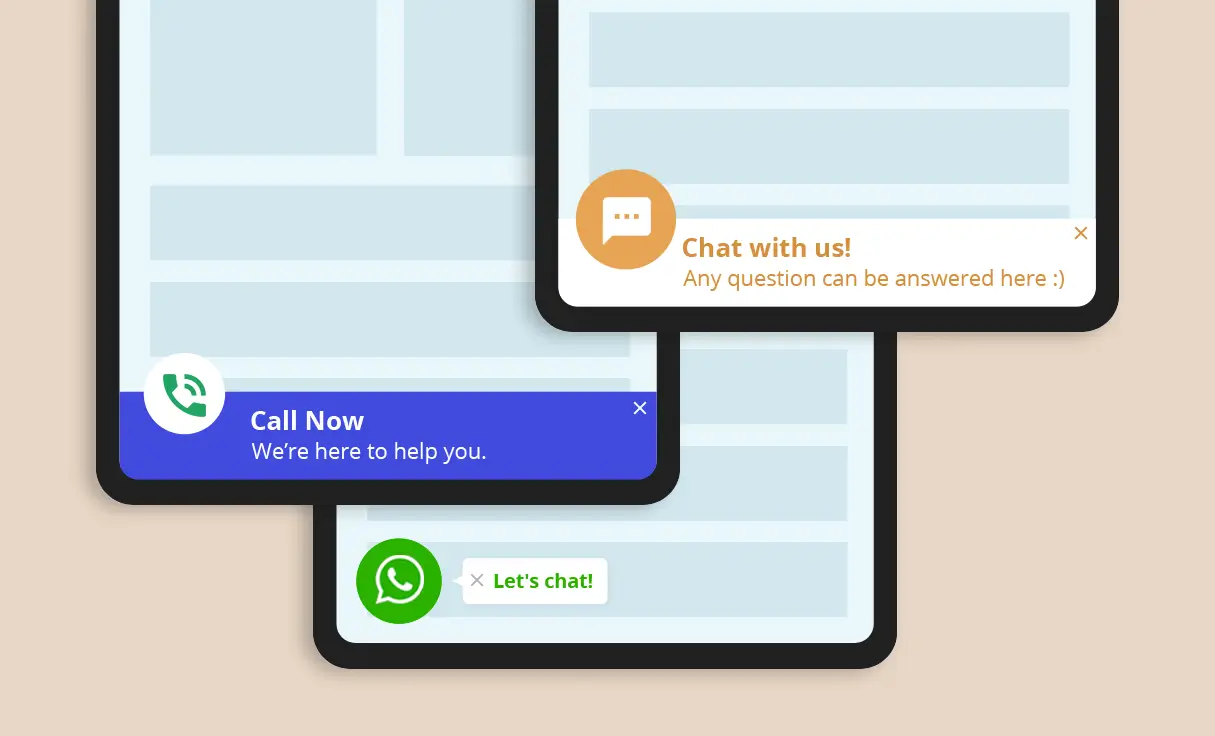
- Show a floating WhatsApp/SMS/click-to-call button.
- Show the floating icon only on mobile devices.
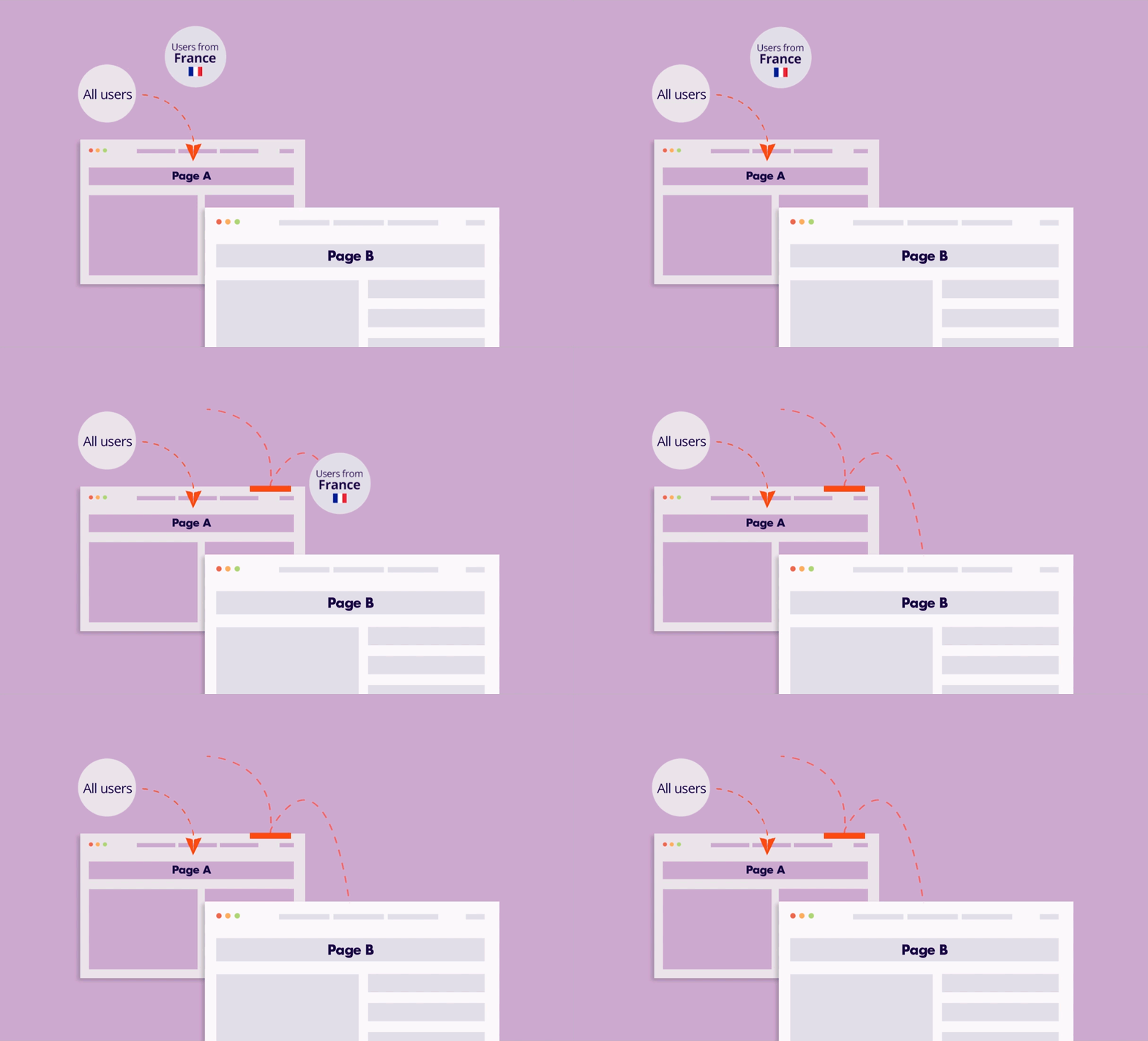
- Show the WhatsApp button only to users from specific locations (save time spent on irrelevant or low-value traffic)
- Show the floating contact button only to users who previously visited a particular product page
- Schedule the floating contact button to be displayed at specific times and on specific days.
- Display the floating icon based on the user’s interaction with the site: logged-in status/number of visits.
- Display the floating icon on certain pages.
- Display a FAQ icon.
Implementation Overview
Setting it up is extremely simple:
1. Create an If-So trigger: Target the relevant locations by listing specific cities or regions to cover your entire service area.
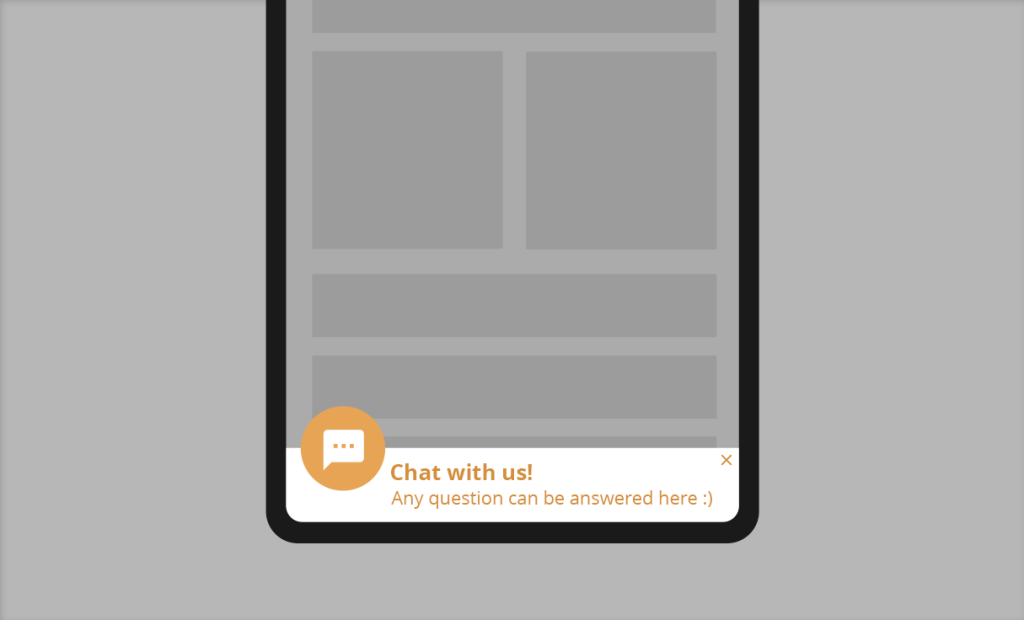
2. Choose your copy and style: Customize your preferred template from the gallery above and paste the code into the trigger’s content field.
3. Go live: Add the trigger’s shortcode to your site (with If-So, you can easily place the trigger at the top of every page at once).
Ready-to-Use Templates for Quick Implementation
To make implementation as easy as possible, we’ve included pre-designed layouts you can use instantly. While you are free to build your own from scratch, these mobile-optimized templates allow you to simply select a style, add your address, and go live in minutes.