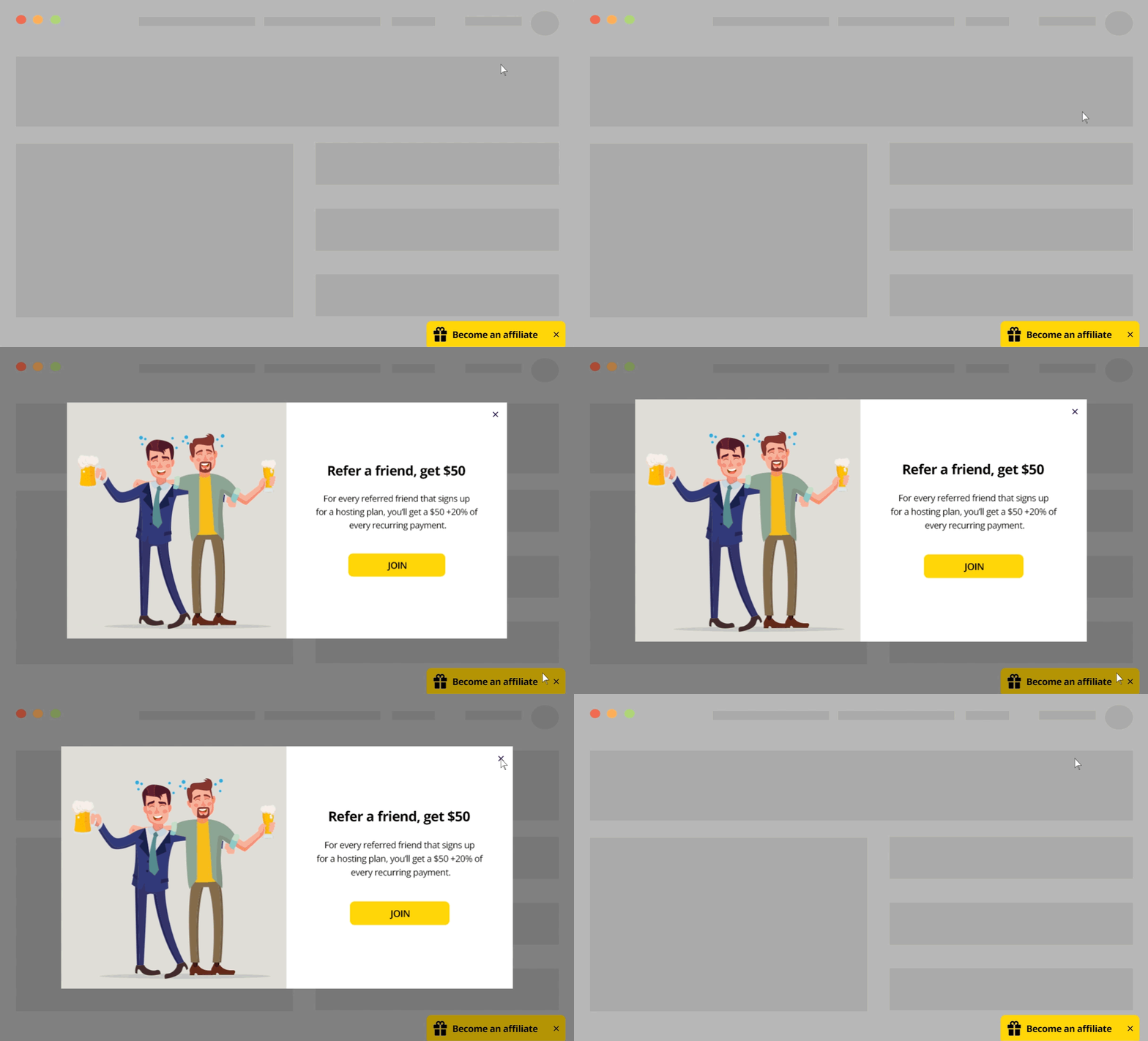
Use cases and targeting options
- Show a floating button that opens a pop-up with detailed information
- Offer special promotions to users from specific locations
- Offer users who purchased your product to become affiliates
- Show “about us” video/information to new visitors
Implementation Overview
Setting it up is extremely simple:
1. Create an If-So trigger: Target the relevant locations by listing specific cities or regions to cover your entire service area.
2. Choose your copy and style: Customize your preferred template from the gallery above and paste the code into the trigger’s content field.
3. Go live: Add the trigger’s shortcode to your site (with If-So, you can easily place the trigger at the top of every page at once).
Ready-to-Use Templates for Quick Implementation
To make implementation as easy as possible, we’ve included pre-designed layouts you can use instantly. While you are free to build your own from scratch, these mobile-optimized templates allow you to simply select a style, add your address, and go live in minutes.
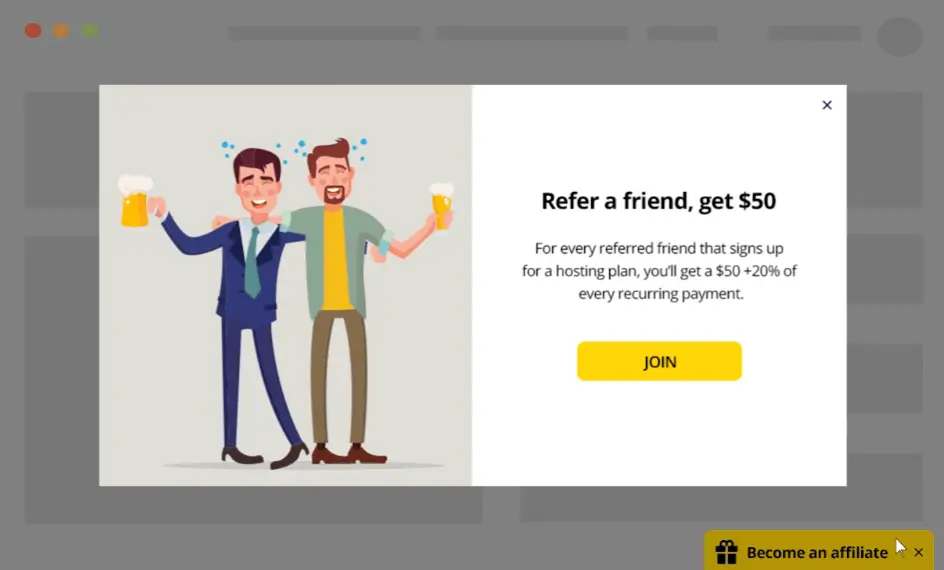
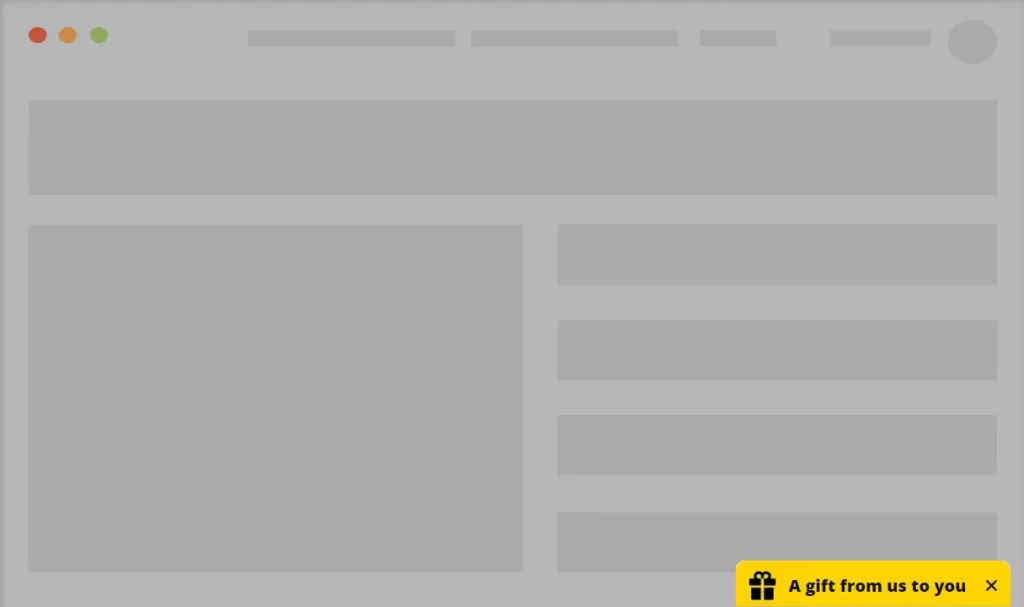
The pop-up’s opening button in this template
Any element on your page can be set to open the pop-up.
Setting up the element that will open the pop-up is done by adding the parameters eventType=”click”, target=”.THE_CLASS_OF_THE_OPENING_ELEMENT” and openbtn=”.THE_CLASS_OF_THE_OPENING_ELEMENT”.
Example:
[ifso id="123" ajax="yes" display="modal" eventType="click" target=".OPENING_ELEMENT_CLASS" openbtn=".OPENING_ELEMENT_CLASS"]Make sure to replace “.OPENING_ELEMENT_CLASS” with the class of the relevant element on your site (including the dot at the beginning).
In this template, we chose to open the pop-up using a floating button at the bottom of the screen. Check out our “Floating Button” example if you want to create a similar button.

Become an affiliate