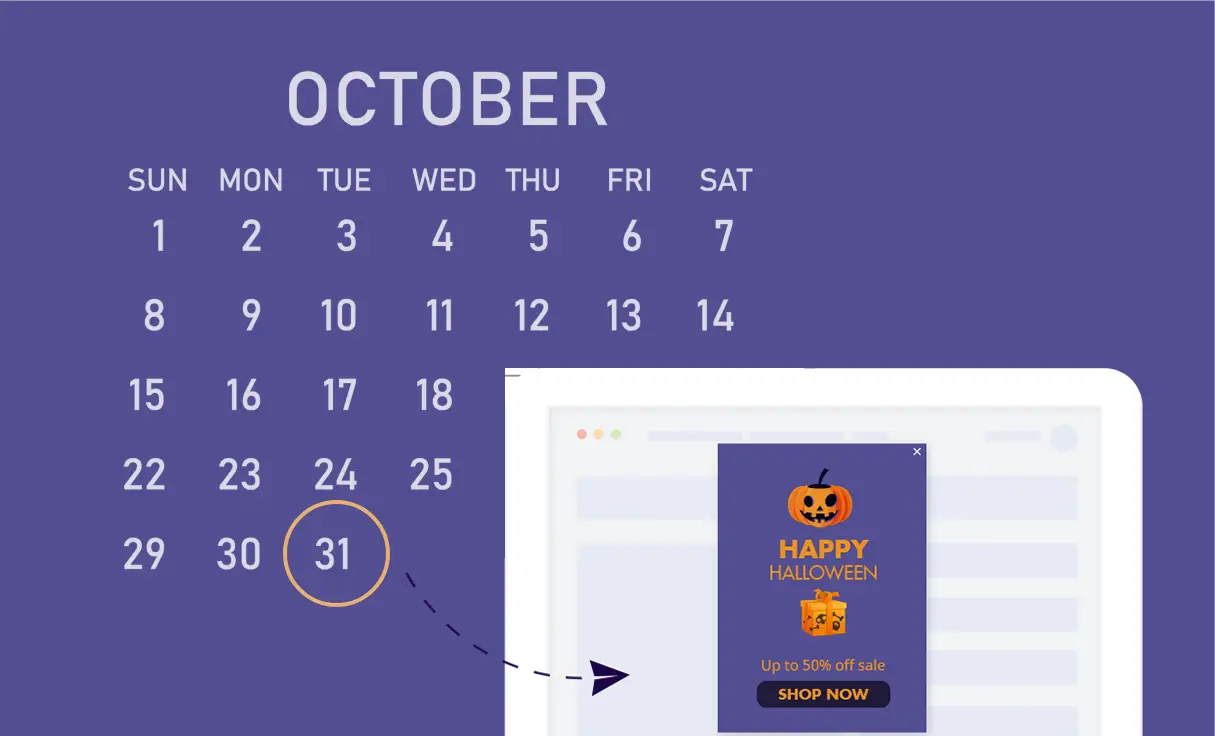
If-So’s Time & Date conditions allow you to schedule pop-ups, floating messages, or inline content based on the date, time of the day, or day of the month.
Use cases
- Set content in advance – great visitors or offer special promotions on holidays and special days
- Show a click-to-call button when the business is open and a contact form when it is closed
- Greet users on weekends or based on the time of the day
Conditions
Start and End date – Schedule content to be displayed until or from a specific date and time. Learn more.
Schedule – Schedule content to be displayed at specific times of the day. Learn more.
Day of the month – display content from, until, or exactly at a specific day of the month. Learn more.
Implementation Overview
Setting it up is extremely simple:
1. Create an If-So trigger: Target the relevant locations by listing specific cities or regions to cover your entire service area.
2. Choose your copy and style: Customize your preferred template from the gallery above and paste the code into the trigger’s content field.
3. Go live: Add the trigger’s shortcode to your site (with If-So, you can easily place the trigger at the top of every page at once).