Use cases
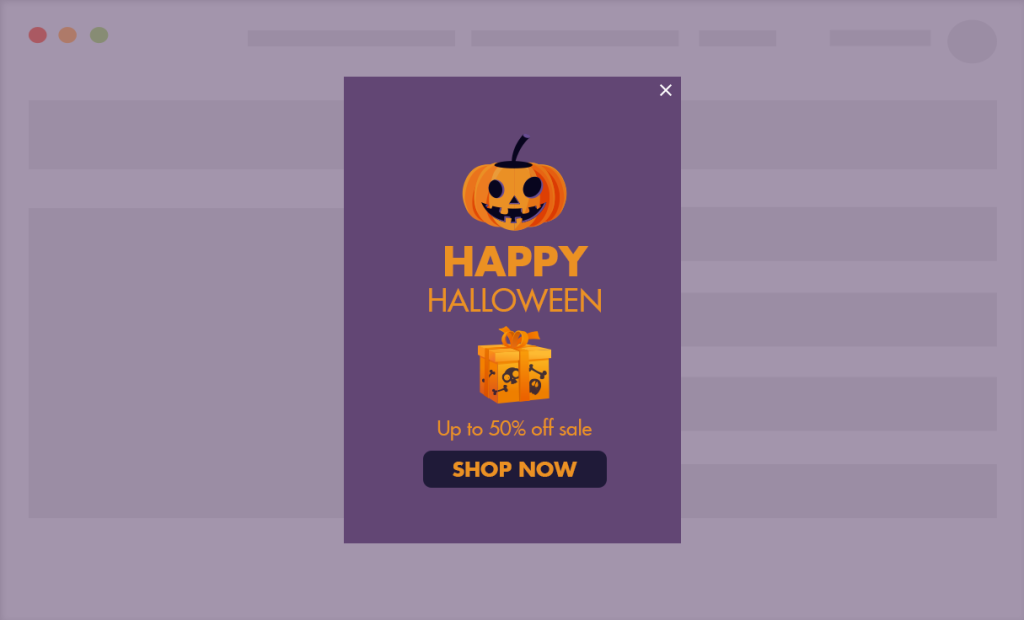
- Curated Seasonal Collections: Automatically launch a “Holiday Gift Guide” pop-up two weeks before any major seasonal event to simplify the shopping experience.
- E-commerce – Guaranteed Delivery Deadlines: Inform shoppers of the “Order by” date for guaranteed holiday delivery, then let it expire the moment the cutoff passes.
- E-commerce – Flash Holiday Bundles: Promote a “Holiday Survival Kit” bundle that goes live 48 hours before a holiday and expires once shipping is no longer possible.
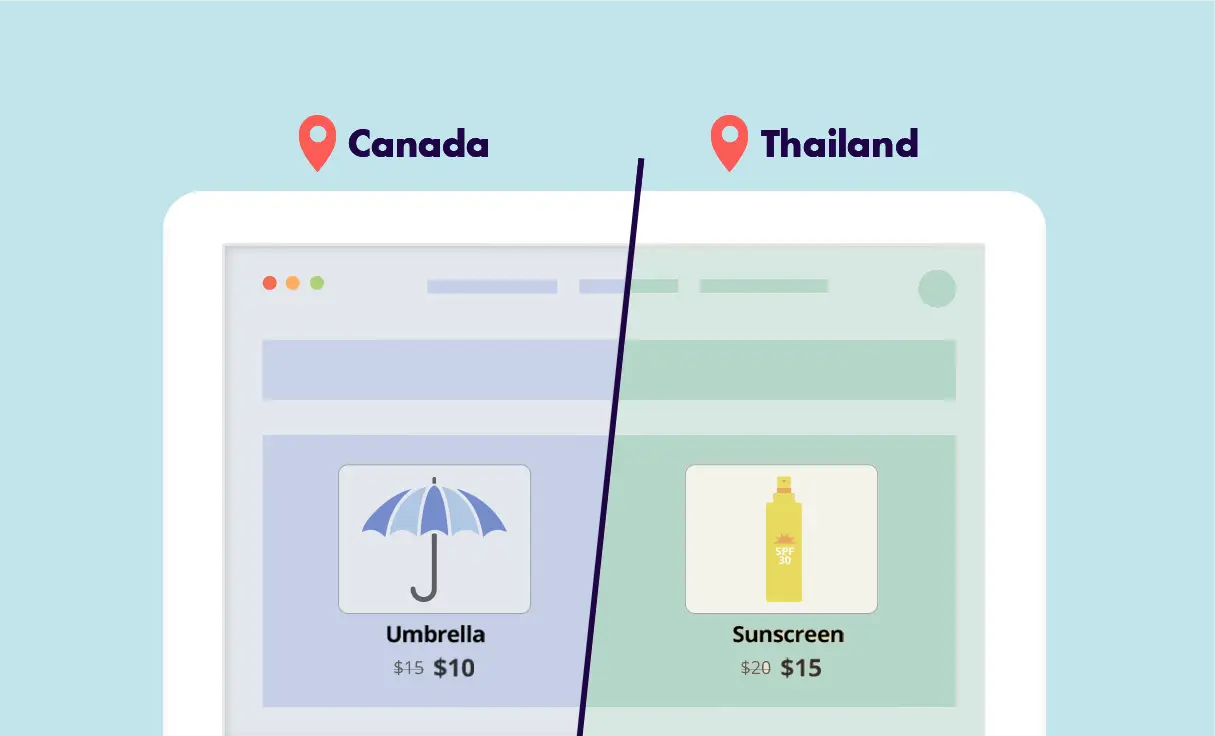
- Local Cultural Holidays: Schedule specific promotions for regional holidays (like Diwali or Lunar New Year) targeting only the relevant countries.
For Digital Agencies
Pitch an “Automated Marketing Calendar” service where you schedule a client’s entire year of promotions in a single afternoon – a high-value, “set-and-forget” selling point that ensures their site stays dynamic and sales-ready 24/7 without requiring manual updates.
Ready-to-Use Templates for Quick Implementation
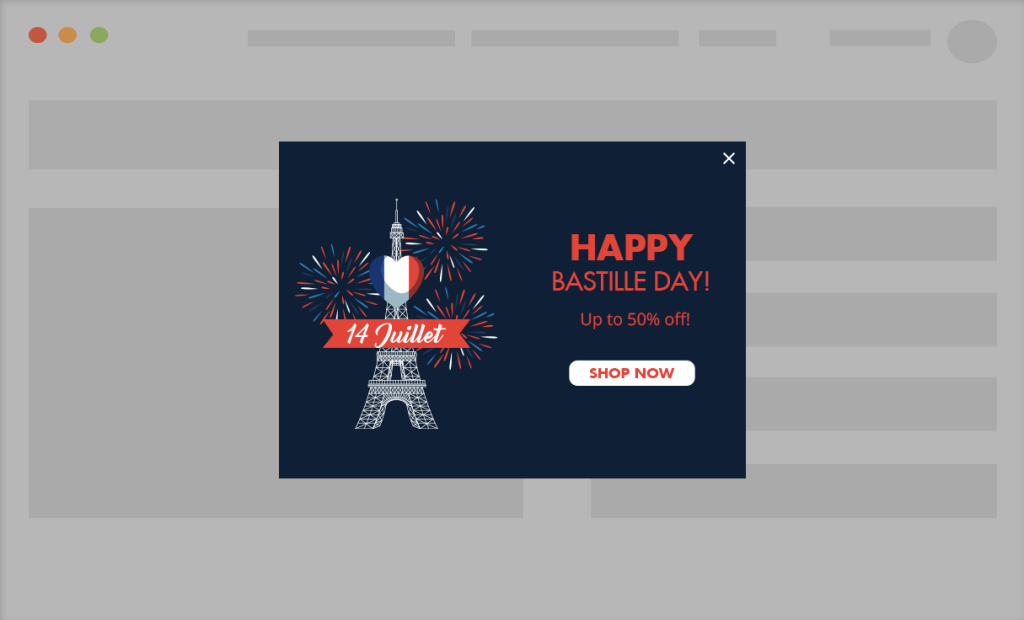
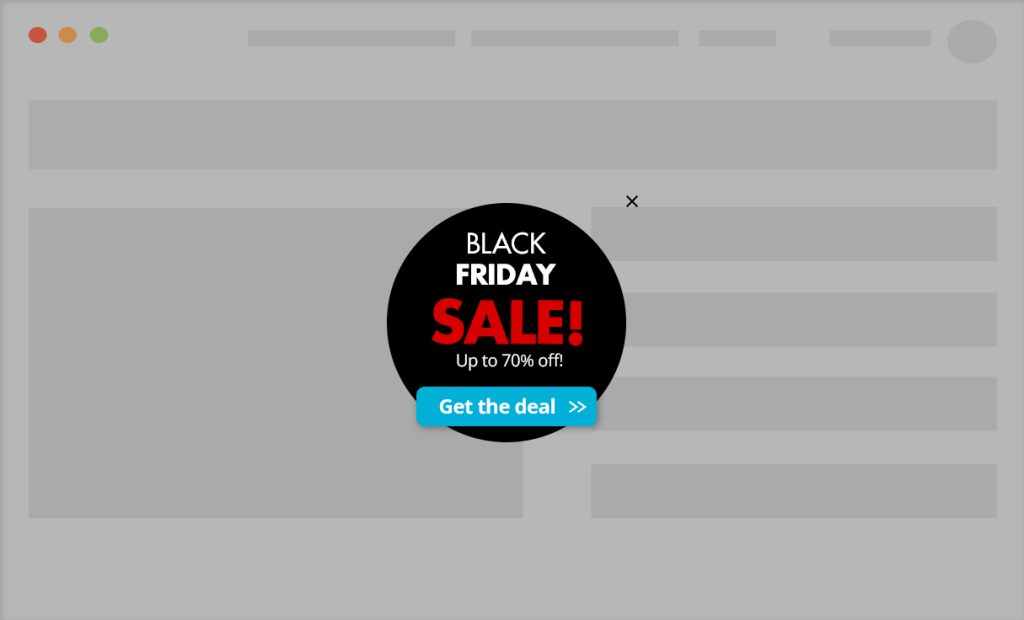
To make implementation as easy as possible, we’ve included pre-designed layouts you can use instantly. While you are free to build your own from scratch, these mobile-optimized templates allow you to simply select a style, add your address, and go live in minutes.
Implementation Overview
Setting it up is extremely simple:
1. Create an If-So trigger: Target the relevant locations by listing specific cities or regions to cover your entire service area.
2. Choose your copy and style: Customize your preferred template from the gallery above and paste the code into the trigger’s content field.
3. Go live: Add the trigger’s shortcode to your site (with If-So, you can easily place the trigger at the top of every page at once).