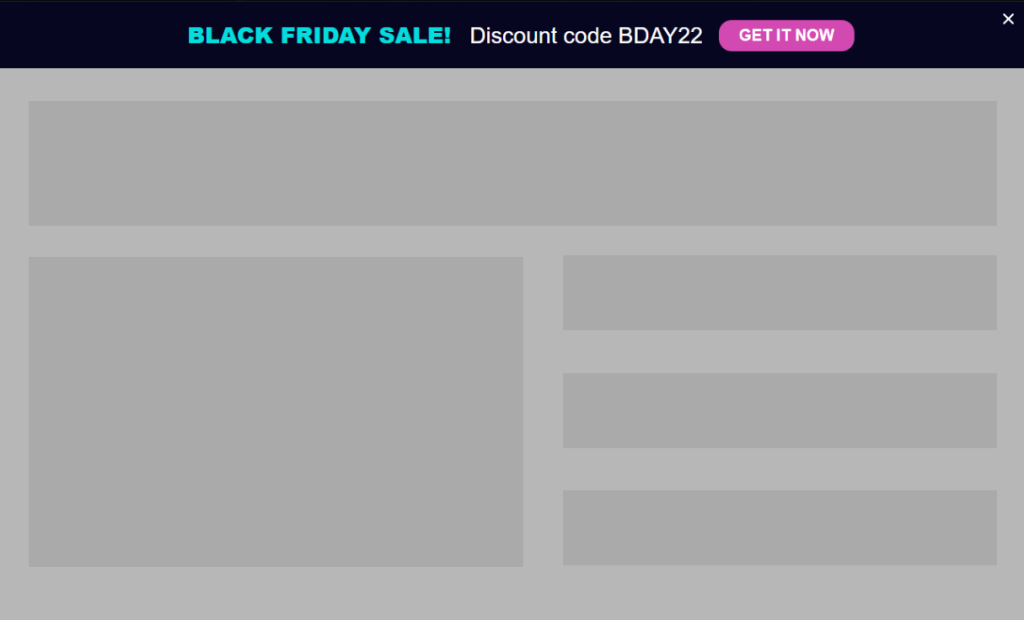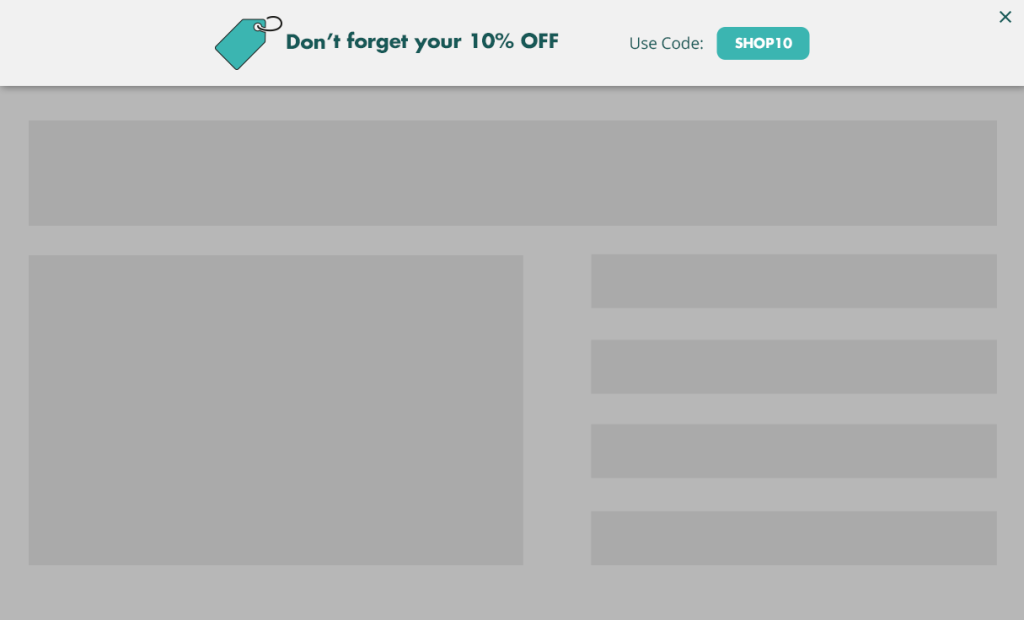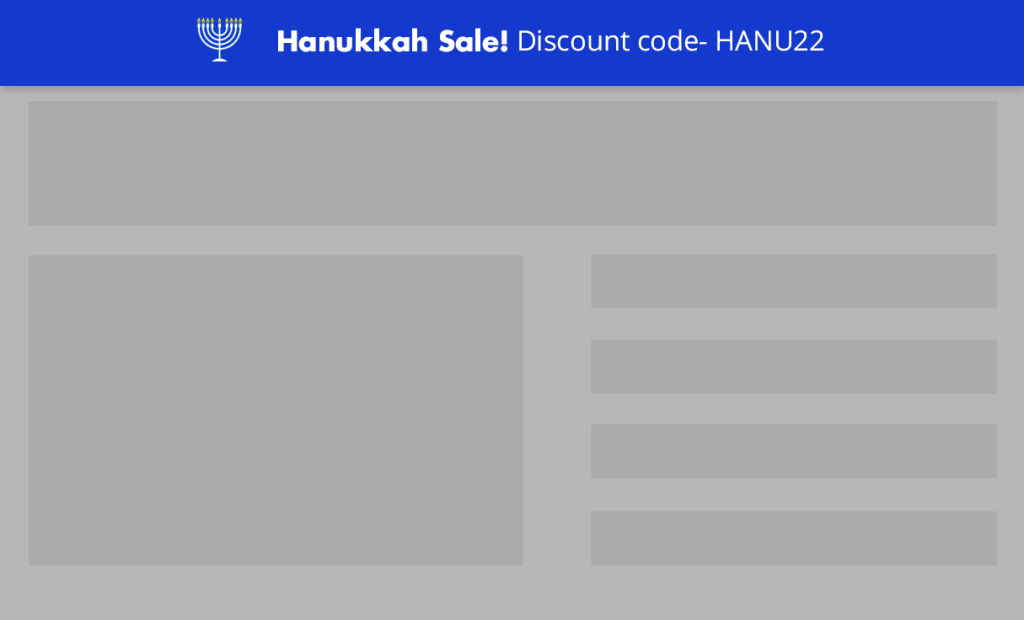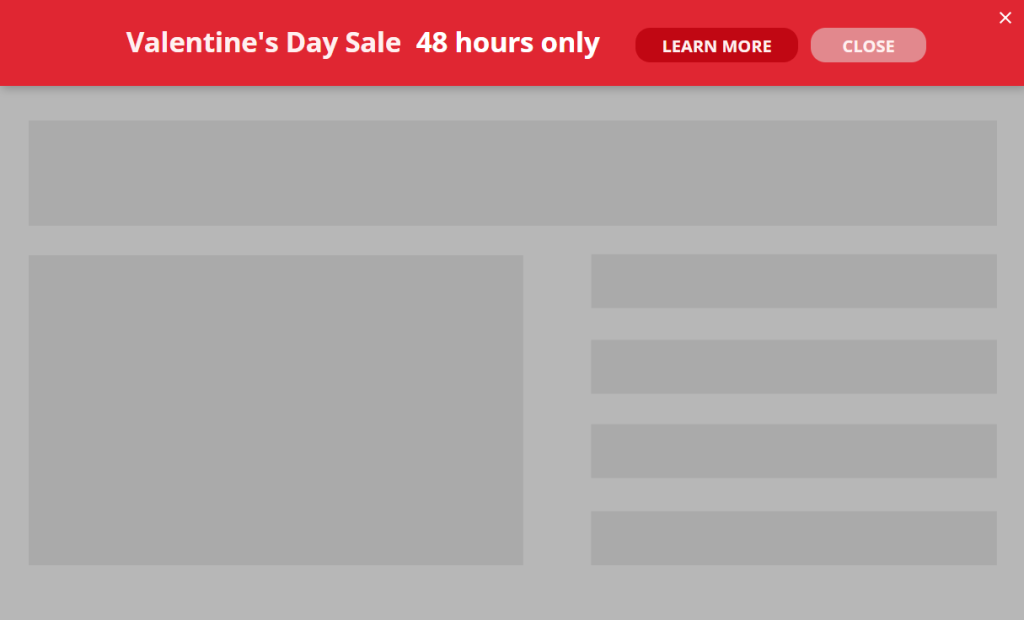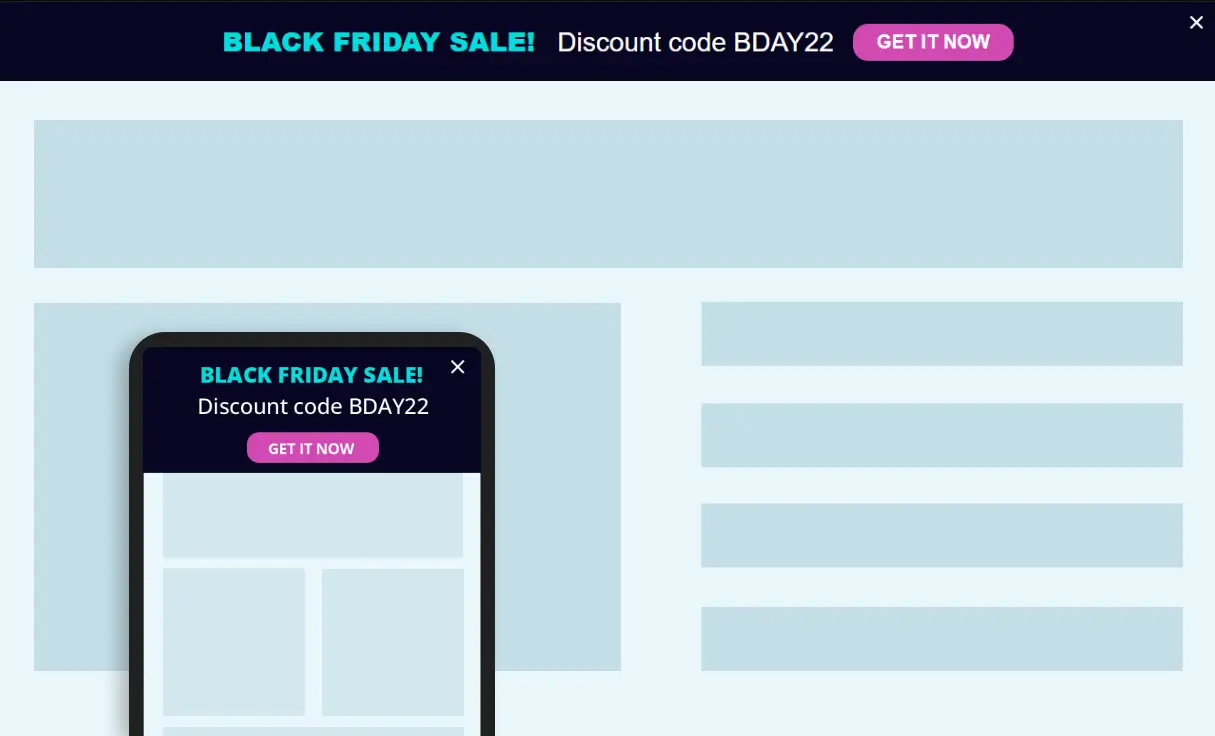
Save Time and Stay Relevant with Automated, Recurring Promotions
Eliminate the manual work of turning seasonal or recurring sales on and off. By setting up announcement bars that trigger automatically based on your schedule, you ensure your site always displays the right message at the right time—without you ever needing to log in at midnight to update a banner.
Use cases
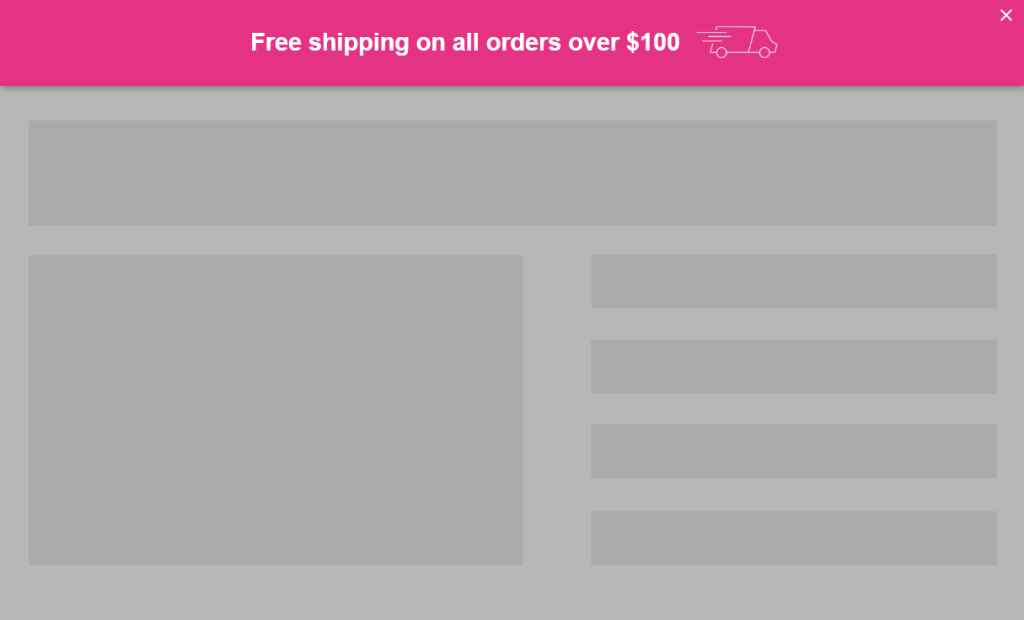
- Weekend Flash Sales: Automatically trigger a “Free Shipping Weekend” bar every Friday at 5 PM and hide it Sunday at midnight.
- Restaurant Happy Hours: Display a “2-for-1 Drinks” bar daily from 4 PM to 6 PM during mid-week to drive foot traffic.
- Annual Holiday Cycles: Schedule your biggest sale of the year months in advance, knowing it will go live and expire at the exact second you choose.
- Weekly Webinars: Show a “Live Tonight” bar every Tuesday morning to increase attendance for recurring training sessions.
- Municipal Service Reminders: Display neighborhood-specific bars like “Garbage collection is tomorrow – don’t forget your bins” every Sunday evening.
- Accounting & Tax Deadlines: Show a “VAT Filing Due This Friday” reminder bar during the final week of the fiscal quarter to prompt document submissions.
For Digital Agencies
Pitch an “Automated Marketing Calendar” service where you schedule a client’s entire year of promotions in a single afternoon – a high-value, “set-and-forget” selling point that ensures their site stays dynamic and sales-ready 24/7 without requiring manual updates.
The ROI Connection: Maximize Conversion Windows with Zero Manual Effort
Every minute your site displays an expired promotion—or fails to show an active one—you lose money and credibility. Scheduling your promotions ensures you never miss a peak conversion window.
Whether it’s a weekly flash sale or a municipal deadline, the consistency of these automated “nudge” bars keeps your audience engaged and moving toward a transaction without the risk of human error.
Strategic value: By automating your marketing calendar, you free up your team to focus on strategy while the site handles the execution.
Implementation Overview
Setting it up is extremely simple:
1. Create an If-So trigger: Target the relevant locations by listing specific cities or regions to cover your entire service area.
2. Choose your copy and style: Customize your preferred template from the gallery above and paste the code into the trigger’s content field.
3. Go live: Add the trigger’s shortcode to your site (with If-So, you can easily place the trigger at the top of every page at once).
Ready-to-Use Templates for Quick Implementation
To make implementation as easy as possible, we’ve included pre-designed layouts you can use instantly. While you are free to build your own from scratch, these mobile-optimized templates allow you to simply select a style, add your address, and go live in minutes.